15 Creative Smartphone Photography Ideas for Pro-Level Results in 2026
Your smartphone’s AI is a powerful tool, but it is no longer enough to set your work apart in 2026. True professional-grade imagery comes from mastering physics and high-end external optics rather than relying on software shortcuts. You are likely tired of flat, digital-looking photos that lack depth and character. It’s frustrating when blown-out highlights ruin a perfect landscape or your travel memories lack that cinematic feel. You deserve better than generic results.
You can transform your mobile device into a high-performance production rig today. This guide will show you how to master the latest creative smartphone photography ideas to achieve authentic lens flares and natural background blur that software simply cannot replicate. We will explore 15 cutting-edge techniques and hardware essentials, including anamorphic storytelling and macro precision, to elevate your visual content to pro-level status. It’s time to stop taking snapshots and start creating visual stories that command attention.
Key Takeaways
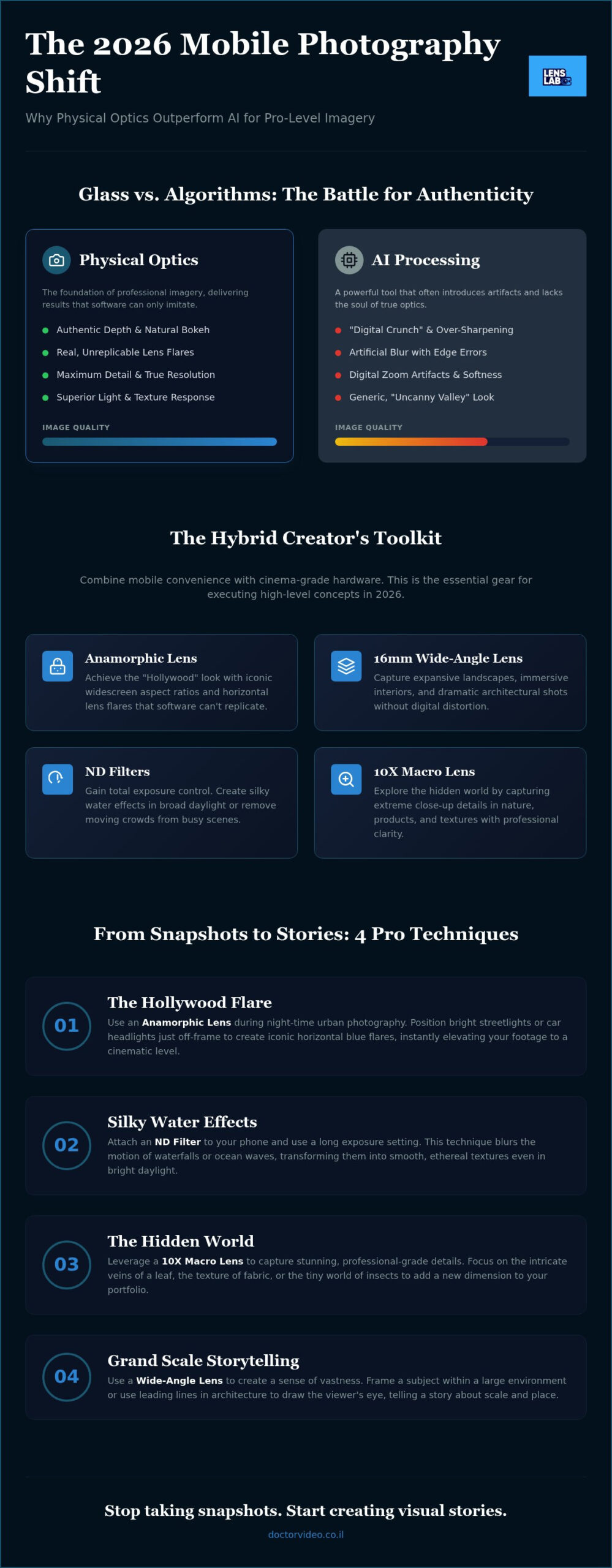
- Discover why physical optics outperform AI in 2026 by delivering authentic depth and flares that software cannot replicate.
- Learn to capture cinematic, Hollywood-style lens flares using specialized anamorphic hardware for your night-time urban projects.
- Master extreme close-up details in nature and textures by leveraging high-performance 10X macro lenses for professional results.
- Gain total control over exposure using ND filters to create silky water effects and remove moving crowds from busy city streets.
- Implement creative smartphone photography ideas like forced perspective and wide-angle framing to transform ordinary shots into professional visual stories.
The 2026 Mobile Photography Shift: Why Optics Beat AI
Mobile photography in 2026 has reached a definitive crossroads. While devices like the iPhone 17 Pro feature advanced 48MP Pro Fusion systems, the physical constraints of small sensors still limit your creative potential. AI tries to bridge this gap with computational processing, but it often results in a “digital crunch” that lacks professional soul. To truly understand this evolution, look at the history of the camera phone. It’s a journey from grainy snapshots to sophisticated devices that still struggle with the laws of physics. Professional results require glass, not just algorithms.
The modern creator is a Hybrid Creator. You value the speed of a smartphone but demand the aesthetic of a cinema camera. This section introduces 15 creative smartphone photography ideas that move beyond software filters. We are shifting the focus back to optics. Physical glass provides a texture, depth, and light response that software cannot yet replicate perfectly. By combining pro-grade hardware with mobile convenience, you can produce visual stories that stand out in a crowded digital landscape.
The Problem with Digital Zoom and Software Blur
Digital zoom is the enemy of resolution. It simply crops into existing pixels and uses AI to guess the missing data. This process creates artifacts and soft edges that ruin professional shots. Instead, using a dedicated wide angle lens for phone allows you to capture more light and detail natively. Software-generated bokeh also falls into the “uncanny valley.” It often fails at the edges of hair or transparent objects, making the blur look artificial. Optical quality is the non-negotiable foundation of 2026 mobile art. True depth comes from the lens, not a slider in an app.
Essential Gear for the 2026 Mobile Photographer
Success in mobile production requires a streamlined ecosystem. LensLab provides the specialized hardware you need to execute high-level concepts. This includes anamorphic lenses for cinematic flare and magnetic mounts for instant transitions. Speed is your greatest asset. Magnetic systems allow you to swap filters or lenses in seconds, ensuring you never miss a moment. Maintenance is equally critical. A smartphone lens cleaning kit is your most important tool. High-end glass is useless if it’s covered in pocket lint or fingerprints. Keep your optics pristine to ensure every creative smartphone photography ideas project results in a sharp, professional image.
Cinematic Storytelling: Anamorphic and Wide-Angle Projects
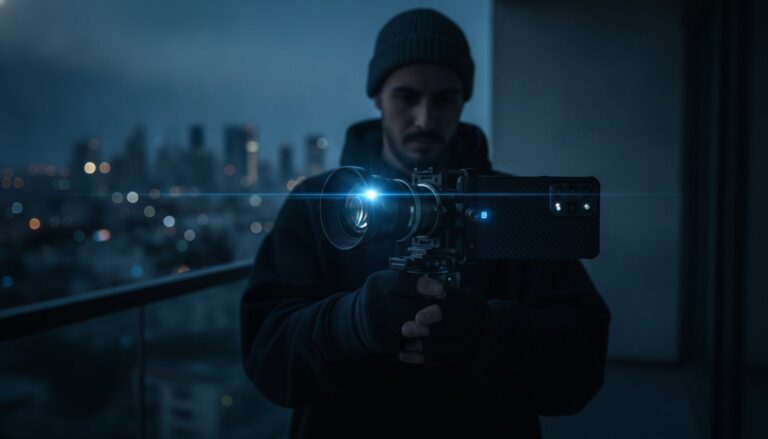
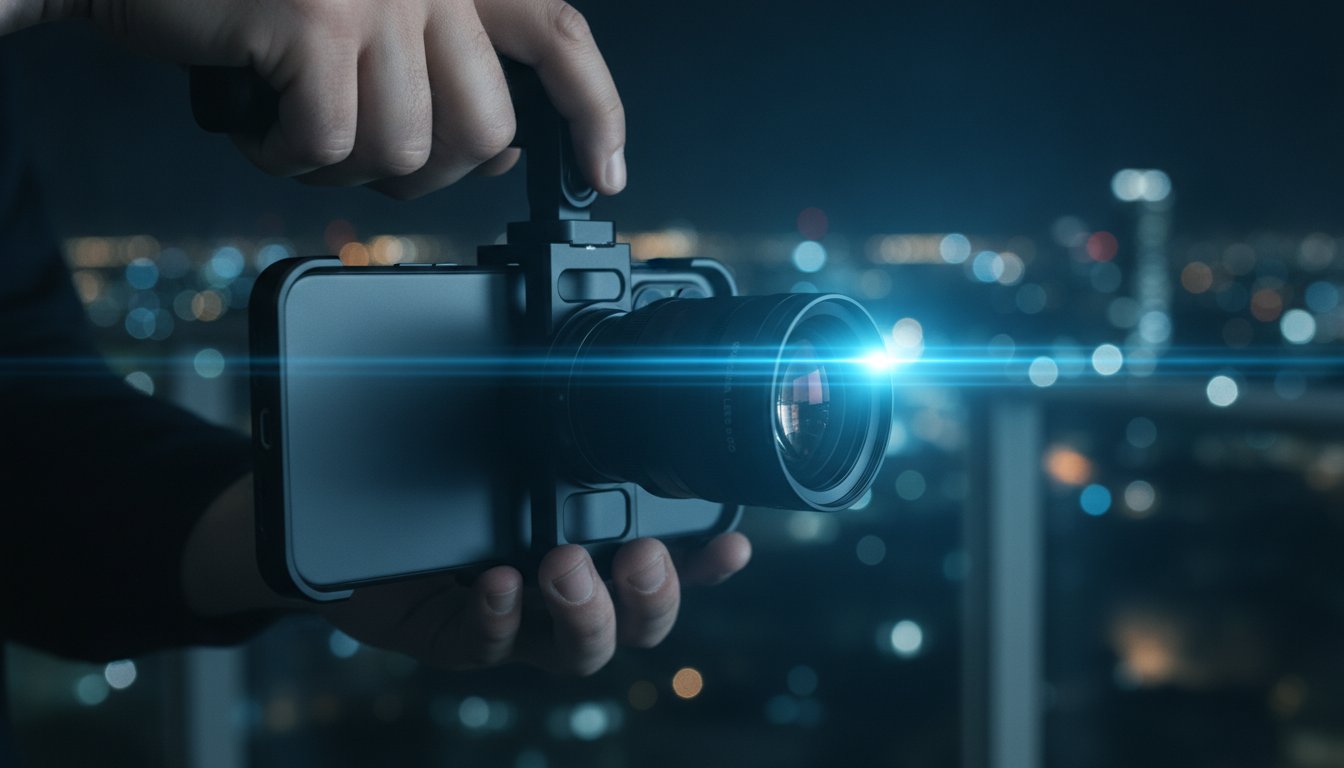
Cinematic storytelling on mobile has evolved far beyond simple video clips. In 2026, the most impactful creative smartphone photography ideas revolve around changing the viewer’s perspective through specialized optics. You don’t need a heavy cinema rig to capture the “Hollywood Flare.” By using a smartphone anamorphic lens, you can achieve those iconic horizontal blue streaks and a widescreen 2.40:1 aspect ratio that feels immediately professional. It’s about creating a mood that software can’t fake.
Project 1: The Hollywood Flare. Head out for night street photography. Position a bright light source just outside your frame to trigger the anamorphic element. Project 2: Ultra-Wide Architecture. Use a 16mm lens to capture vertical skyscrapers. Keep your phone perfectly level to avoid converging lines and distortion. Project 3: The Cinematic Portrait. Use the wide field of view to place your subject in a vast environment, telling a story about their surroundings rather than just their face. Project 4: Action POV. Mount your phone low to the ground with a wide lens to mimic high-speed movement and dramatic scale.
Mastering the Anamorphic Look
To get the most out of your anamorphic glass, you’ll need to “de-squeeze” the image in post-production. This process stretches the compressed 1.55x image back to its natural widescreen state. It’s a simple step that yields massive results. For the best flares, point your lens toward street lamps or car headlights at a slight angle. This adds technical sophistication to your travel vlogs, making them feel like high-budget productions.
Dynamic Wide-Angle Perspectives
A 16mm wide-angle lens is essential for immersive interior shots. To avoid “edge stretching,” keep your main subject near the center. In the “Leading Lines” project, use wide optics to find natural paths that pull the viewer’s eye toward the horizon. While wide perspectives capture grandeur, creators are also capturing striking insect macro shots with mobile-first setups. You can find professional-grade glass in the LensLab collection.
Macro Photography Ideas: Exploring the Hidden World
Macro photography is the art of making the small feel monumental. It forces you to slow down and look at your surroundings with fresh eyes. In 2026, the most captivating creative smartphone photography ideas involve revealing the invisible details right in front of us. You can turn a mundane object into a high-end masterpiece by simply changing your scale. It is a shift from capturing scenes to capturing textures.
Project 5: Abstract Nature. Focus on the intricate veins of a leaf or the geometric scales of a butterfly wing. These organic patterns create stunning, high-contrast visuals. Project 6: Everyday Textures. Salt crystals look like jagged diamonds under high magnification. Close-up fabric weaves become architectural landscapes. Project 7: The Eye Portrait. Capture the stunning, nebula-like patterns of a human iris safely using natural light. Project 8: Product Detail. Small business owners can produce professional jewelry or watch shots without expensive studio cameras. These projects prove that your phone is a powerful scientific and artistic tool.
Getting the Most from a 10X Macro Lens
Stability is everything in macro work. When you are shooting at 10X magnification, the focus plane is paper-thin. Even a millimeter of movement can ruin your shot. Use a tripod or rest your phone on a steady surface to lock in your focus. Native “Macro Modes” on many devices often rely on smaller, noisier sensors that fail in low light. Choosing the best macro lens for smartphone allows you to use your device’s primary high-resolution sensor. This provides the clarity and depth required for professional results. Lighting is the final piece of the puzzle. Your phone often casts a shadow when it is inches away from a subject. Use a small external LED light to fill the scene and reveal hidden colors.
Mini-Seeing Projects for Creative Growth
Challenge yourself to find beauty in restricted spaces. Try the “One Room” challenge. Find 10 unique macro subjects in a single room. This exercise trains your brain to ignore the obvious and hunt for the exceptional. You can also experiment with color-themed macro. Spend an afternoon capturing only “red” textures. This creates a cohesive, curated social media grid that looks like a professional gallery. Using these creative smartphone photography ideas ensures your portfolio remains diverse and technically impressive. Slow down. Look closer. The world is much larger than it seems.
Light Control and Long Exposure: The Power of ND Filters
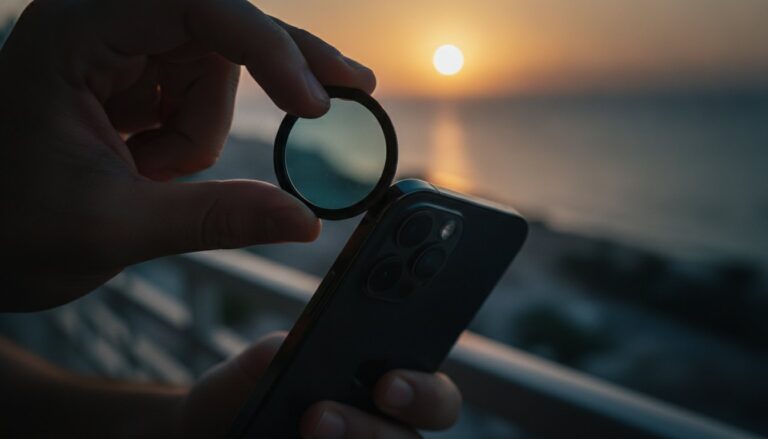
Midday sun is often a creator’s worst enemy. Most photographers hide during high noon because the light is too harsh and shadows are too deep. In 2026, you can break this rule. Neutral Density (ND) filters act as sunglasses for your optics. They reduce the amount of light hitting the sensor without changing its color. This gives you total control over your shutter speed. Mastering light manipulation is the secret to executing pro-level creative smartphone photography ideas that others find impossible.
Project 9: The Silk Water Effect. Use an ND filter to capture waterfalls in broad daylight. A slow shutter speed turns rushing water into a smooth, ethereal mist. Project 10: Ghostly Cities. Long exposures on busy streets make moving people vanish. You’re left with a haunting, empty city. Project 11: Cinematic Motion Blur. Video creators need the 180-degree shutter rule for natural movement. ND filters prevent the “staccato” look caused by high shutter speeds in bright light. Project 12: Sunset Mastery. Balance a glowing sky with a dark foreground. You’ll get rich detail without the weird halos often seen in AI-driven HDR modes.
How to Use ND Filters on a Smartphone
Setting up your gear is fast and intuitive. Follow these steps to start your long exposure journey:
- Step 1: Mount your hardware. Attach your GoPro HERO 12 ND filters or use a magnetic mount for your iPhone 17 Pro.
- Step 2: Lock your ISO. Open a manual camera app. Set your ISO to its lowest setting, usually 25 or 50, to ensure maximum image quality.
- Step 3: Adjust the strength. Select a filter from ND8 to ND64. Watch your shutter speed drop. Aim for 1 second or longer for water effects.
Creative Light Manipulation
Light control isn’t just about blocking the sun. It’s about artistic expression. Try using Star Filters for night-time cityscapes. They turn every street lamp into a cinematic “twinkle.” For a different approach, combine ND filters with a tripod for light painting. You can “draw” with a flashlight in a dark room or capture car light trails on a highway. Finally, try the “High Noon” challenge. Use a heavy ND filter to take a dark, moody portrait in direct sunlight. It proves that you control the environment, not the other way around. Ready to master the light? Explore the full range of LensLab filter sets to start your next project.
Creative Composition and Post-Processing in 2026
Composition is the final frontier of your visual story. You have the optics and the light control; now you need the eye. Project 13: Forced Perspective. Use your wide lens to create “giant” or “tiny” illusions by placing subjects at varying distances from the glass. This technique relies on the deep depth of field found in mobile sensors. Project 14: Framing within a Frame. Use natural elements like branches, windows, or architectural arches to isolate your subject. Physical objects create organic layers that software cannot emulate. These creative smartphone photography ideas turn a flat image into a three-dimensional experience that pulls the viewer into the frame.
Project 15: The RAW Workflow. In 2026, shooting in RAW is a requirement for serious creators. It preserves all the data from your sensor, allowing you to recover shadows and highlights that would be lost in a standard JPEG. You gain the flexibility of a desktop editor on your mobile device. RAW files give you the power to push colors and adjust white balance without creating digital noise or artifacts. It’s the difference between a quick post and a professional portfolio piece.
Advanced Composition for Social Media
Designing for the “Vertical First” era means more than just turning your phone. It’s about leading the eye from the bottom of the screen to the top to dominate the 2026 feed. Use the “Rule of Odds” by including three or five elements to create visual tension and interest. “Negative Space” provides room for text overlays or simply lets your subject breathe in a crowded digital landscape. Magnetic lens adapters are your best friend here. They allow you to switch from a wide-angle landscape to a macro detail in seconds. You stay in the creative flow without fumbling with gear, ensuring you never miss a fleeting moment.
Polishing Your Masterpiece
Polishing your work requires a shift from generic filters to intentional color grading. Filters are one-size-fits-all solutions. Color grading is an artistic choice that builds your unique visual brand. It defines the mood, whether it’s the cool blue of a noir street scene or the warm glow of a travel vlog. Before you even touch a slider, ensure your glass is spotless. Lens dust creates soft spots and flares that ruin high-resolution shots. A quick wipe with a professional spray is the first step of any professional edit. Ready to elevate your shots? Explore the LensLab Pro Collection and get the tools you need to succeed.
You now have 15 powerful projects to master. The secret to a signature style is the synergy of these tools. Don’t just use one technique; mix them. Combine anamorphic flares with long exposure. Use macro details within a forced perspective scene. Your creative journey in 2026 is about pushing the boundaries of what a phone can do. Stop taking pictures and start making art.
Own the Future of Mobile Production
Professional results in 2026 are no longer limited by your phone’s internal software. You have discovered that high-end external glass and physical light control are the keys to bypassing the “digital look.” By mastering these creative smartphone photography ideas, you’ve moved from simple snapshots to cinematic visual storytelling. You now understand that true depth comes from optics rather than algorithms. Whether it is the anamorphic flare of a city night or the microscopic detail of a 10X macro shot, you have the blueprint for excellence.
Your journey doesn’t end with a tutorial. It begins with the right gear in your hands. Upgrade Your Mobile Kit at LensLab to access professional-grade mobile optics designed for the modern creator. We support your ambition with fast worldwide shipping and 24/7 Creator Support to ensure you never miss a shot. There are no more excuses for flat images or blown-out highlights. Your vision deserves the best tools available. Pick up your phone, mount your glass, and start creating something extraordinary today.
Frequently Asked Questions
Do I really need external lenses for smartphone photography in 2026?
You absolutely need external optics to bypass the physical limitations of tiny smartphone sensors. While AI has improved, it cannot replicate the light-gathering capabilities or the authentic depth of field provided by high-quality glass. Using external hardware is the only way to execute advanced creative smartphone photography ideas without the “digital crunch” or artificial artifacts found in software-only processing. Physical optics ensure your 2026 portfolio remains sharp, clean, and professional.
Can I use an anamorphic lens for taking still photos, or is it just for video?
Anamorphic lenses are excellent for still photography, not just cinematic video projects. They allow you to capture a much wider field of view without the distortion often found in standard wide lenses. You will get a native 2.40:1 aspect ratio that feels epic and cinematic right out of the gate. Just remember to use an app that supports de-squeezing so your photos look natural. This technique is perfect for wide-scale landscapes.
What is the best ND filter strength for shooting on a sunny beach?
For a sunny beach in 2026, you should reach for an ND32 or ND64 filter. These strengths allow you to drop your shutter speed significantly even in harsh, direct sunlight. This is essential for capturing silky water effects or removing crowds from the shoreline. Without this light control, your beach shots will likely suffer from blown-out highlights or a lack of motion blur. Use a manual camera app to lock your settings.
How do I attach a macro lens to an iPhone with multiple cameras?
Attaching a macro lens to a multi-camera iPhone is simple with the right hardware. Use a JJC Magnetic Lens Filter Mount Adapter to ensure perfect alignment over your device’s primary sensor. This prevents the phone from getting confused and switching between lenses mid-shot. Once mounted, your 10X macro lens will provide extreme detail that the standard “Macro Mode” cannot match, especially in challenging lighting conditions or for professional-grade product shots.
Will these creative ideas work on both Android and iOS devices?
These techniques and hardware solutions are fully compatible with both Android and iOS platforms. The laws of physics and optics don’t change based on your operating system. Whether you use an iPhone 17 Pro or the latest Android flagship, you can mount anamorphic lenses or ND filters to elevate your work. As long as you have a manual camera app to control your ISO and shutter speed, you can execute every project.
How do I get those cinematic blue flares without a professional movie camera?
You can achieve those iconic blue flares by mounting a PRO 1.55X Blue Anamorphic Lens to your device. This specialized glass is designed to catch light sources and stretch them horizontally across the frame. It is a physical effect that creates a technical sophistication software simply can’t mimic. Position a street lamp or car headlight at the edge of your frame to trigger the flare. It is the most efficient look.
Is a tripod necessary for long exposure mobile photography?
A tripod is non-negotiable for high-quality long exposure photography. Even the best internal stabilization can’t keep a phone perfectly still for the one or two seconds required to blur water or remove moving people. Any slight vibration will result in a blurry image rather than a professional masterpiece. Use a steady mount to lock your composition. This stability allows you to use the lowest ISO settings for the cleanest, most detailed results.
How do I clean my smartphone lens without scratching the glass?
You must avoid using your shirt or generic paper towels to clean your optics. These materials often contain abrasive fibers that can scratch the delicate coatings on your glass. Instead, use a specialized Lens Cleaning Spray and a clean microfiber cloth. Apply the spray to the cloth first, then gently wipe the lens in a circular motion. Keeping your optics pristine is the simplest way to ensure your creative smartphone photography ideas result in sharp shots.