How to Clean Your Smartphone Lenses: The Ultimate 2026 Creator’s Guide
What if your high-end smartphone camera is actually being held back by a single, invisible smudge? You’ve invested in the best mobile glass to capture cinematic moments, yet persistent fingerprints and dust particles keep ruining your macro shots. It’s frustrating when expensive lenses produce distracting flares instead of professional results. Most creators realize too late that a professional smartphone lens cleaning kit is the most effective way to upgrade image quality instantly. You want your footage to look elite, but you’re rightfully terrified of scratching that delicate coating with the wrong cloth.
We’re here to help you move past the fear and master the art of lens maintenance. This guide provides a quick, repeatable routine to ensure your gear stays in peak condition for the long haul. We’ll walk through the specific tools you need, the techniques that prevent damage, and the pro secrets for keeping your glass crystal clear in every environment. Your journey toward flawless, professional-grade mobile cinematography starts with a clean surface. It’s time to let your creativity shine through without the haze.
Key Takeaways
- Stop letting light scatter ruin your shots. Learn how oils and dust kill image contrast and clarity.
- Build a professional smartphone lens cleaning kit with alcohol-free solutions to preserve your delicate glass coatings.
- Master the difference between dry cleaning for speed and wet cleaning for heavy grime. Know exactly when to switch methods.
- Clear loose debris first. Always use an air blower or brush before wiping to prevent permanent micro-scratches.
- Commit to a 30-second pre-shoot ritual. Professional results start with a spotless lens and a clear creative vision.
Why a Smartphone Lens Cleaning Kit is Your Most Important Creative Tool
A smartphone lens cleaning kit is much more than a simple bundle of cloths. It is a curated system of professional tools designed specifically for delicate mobile optics. Think of it as an insurance policy for your glass. You wouldn’t use a kitchen sponge to wash a luxury car, so don’t use your sleeve on your lens. High-quality mobile glass requires specific care to maintain its refractive properties and technical precision.
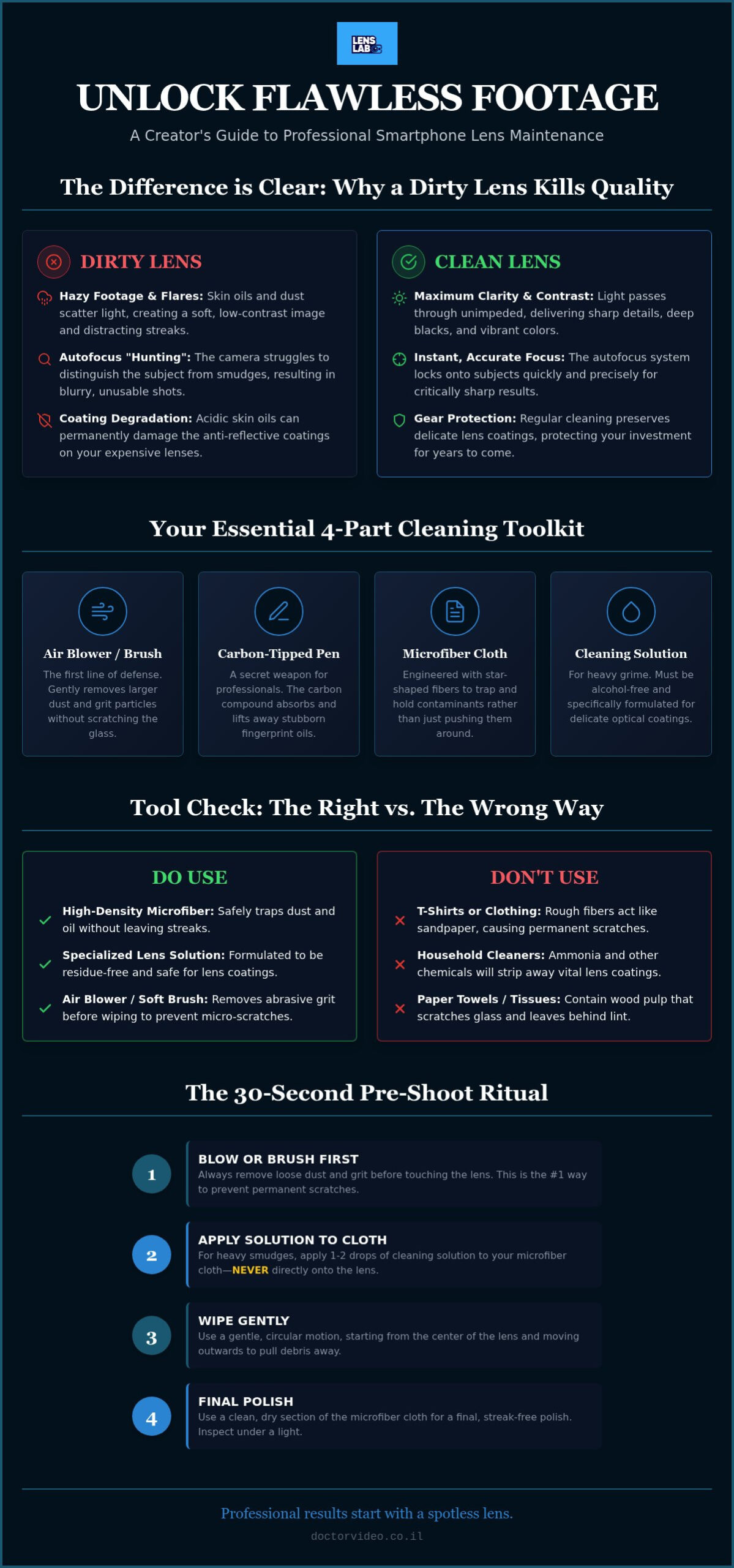
Fingerprints are the primary enemy of sharp content. When oil from your skin touches the lens, it creates a layer that scatters incoming light. This scattering causes “hazy” footage and a significant loss of contrast. Your blacks look grey, and your colors lose their punch. Beyond the visual artifacts, dirty lenses trigger “focus hunting.” Your phone’s autofocus system relies on clear data to lock onto a subject. If a smudge obscures the view, the sensor struggles to distinguish between the subject and the debris, leading to blurry, unusable shots.
Your skin oils are also surprisingly acidic. If left on the glass, these oils can chemically bond with and eventually degrade anti-reflective layers. A professional smartphone lens cleaning kit helps you neutralize these acids before they cause permanent damage. Maintaining the integrity of these coatings is essential for capturing professional-grade visuals without unwanted artifacts.
The Impact of Smudges on Mobile Video Quality
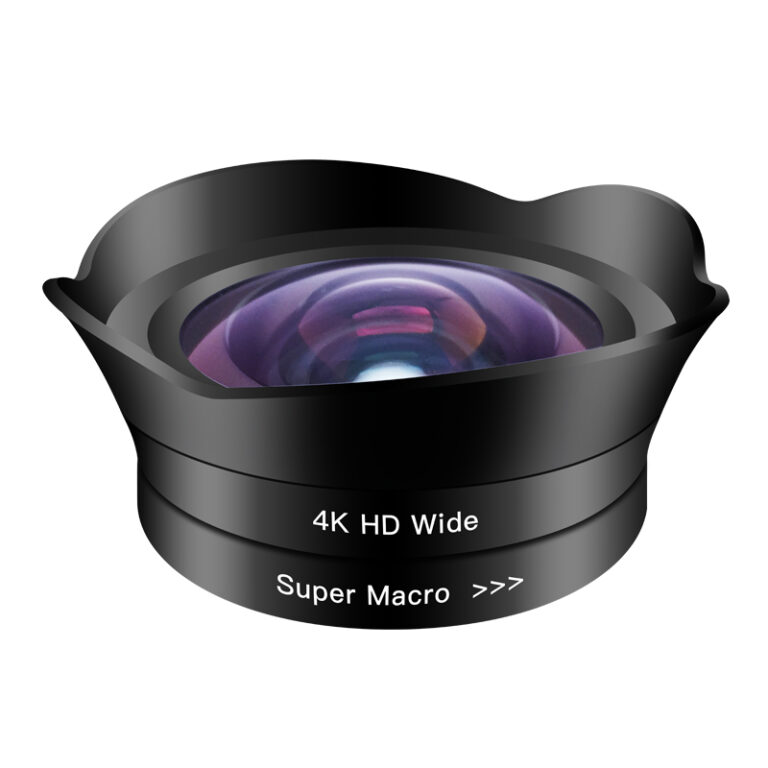
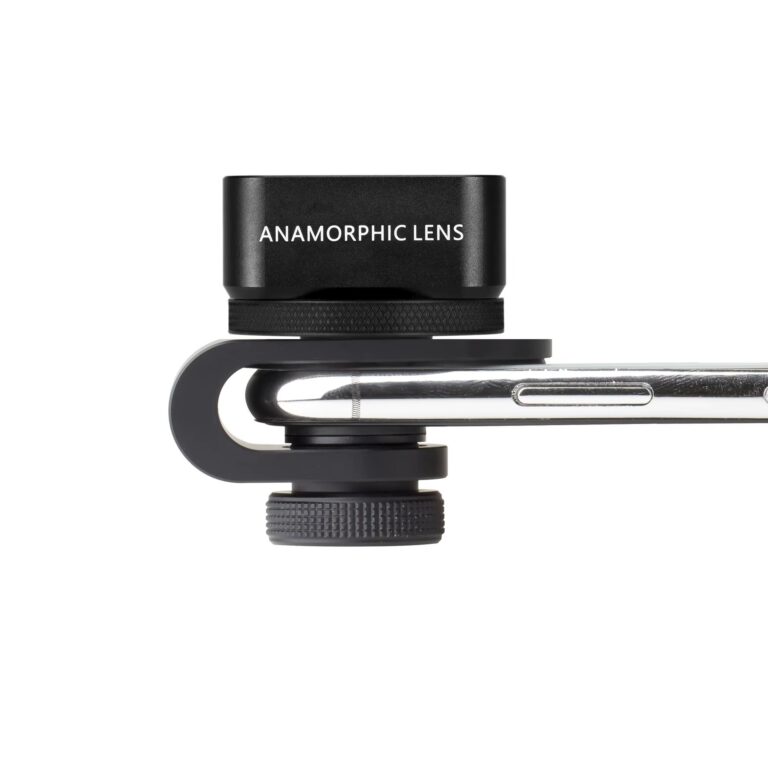
Mobile sensors are incredibly small, which makes surface debris much more problematic than on a DSLR. Because the sensor is so close to the lens glass, every speck of dust or oily streak is magnified. This is especially true for specialized gear. On the PRO 1.55X BLUE ANAMORPHIC LENS, oily smudges cause light to bloom uncontrollably. Instead of clean, cinematic blue flares, you get messy streaks that wash out the entire frame. Similarly, dust particles on a 10X Macro Lens can appear as massive, distracting blotches that ruin the intricate details of your close-up shots.
Protecting Your Gear Investment
Many creators make the mistake of using a t-shirt or paper towel for a quick fix. These materials often contain wood pulp or rough fibers that create micro-abrasions on the glass surface. These tiny scratches are permanent and will eventually kill the sharpness of a 16mm Wide Angle Lens. The cost of a maintenance kit is negligible compared to the price of replacing high-end add-on lenses. Optical maintenance is the foundation of any smartphone camera upgrade kit.
Essential Components of a Professional Mobile Cleaning Kit
A professional smartphone lens cleaning kit contains four pillars of optical maintenance. These tools work together to lift debris without causing damage. First, the retractable brush is your first line of defense. Dust on a lens acts like sandpaper. If you wipe a lens before brushing, you’re literally grinding grit into the glass. Use soft, synthetic bristles to flick away loose particles. This simple step extends the life of your gear by years. Second, the carbon pen is your secret weapon. It uses a molecular carbon compound to absorb oils. This is the same technology used by high-end DSLR photographers. It leaves no residue and requires no liquid. Use it for those persistent spots that a cloth alone can’t handle.
The third pillar is high-density microfiber. These cloths feature a specific weave designed to trap contaminants rather than spreading them. Finally, a dedicated cleaning solution provides the chemical power needed for stubborn grime. Investing in a dedicated smartphone lens cleaning kit is the only way to guarantee professional clarity in every lighting condition.
Microfiber vs. Standard Fabrics
Microfiber is engineered for precision. Unlike standard cotton, it features star-shaped fibers that grab and hold debris. Standard fabrics just push the dirt around the surface of the lens. To keep your cloths effective, wash them regularly without fabric softeners. Softeners coat the fibers and ruin their natural absorbency. Avoid tissues and paper towels at all costs. They leave behind lint that interferes with your mobile sensor’s ability to render sharp details. High-quality microfiber ensures a streak-free finish every time you prep for a shoot.
The Role of Specialized Cleaning Solutions
Household window cleaners are toxic to smartphone optics. They often contain ammonia or harsh chemicals that strip away the oleophobic coating on your device. Always use a residue-free option like the LensLab Lens Cleaning Spray. This formula is designed specifically for the specialized coatings found on high-end glass. Never spray liquid directly onto your lens. Apply the solution to your cloth first. This prevents liquid from seeping into the phone’s internal components or the lens housing. Keeping a professional spray in your bag ensures you’re always ready to capture crystal-clear footage. This disciplined approach protects your investment while maximizing the performance of your mobile camera system.
Dry vs. Wet Cleaning: When to Use Each Method
Dry cleaning is the fastest way to stay shoot-ready. It’s your daily standard for removing light dust or fresh fingerprints. However, life as a creator isn’t always sterile. You’ll eventually face sticky residues, sea salt, or heavy environmental grime. This is where wet cleaning becomes essential. A professional smartphone lens cleaning kit gives you the flexibility to handle both scenarios without hesitation. Knowing when to switch methods is what separates amateurs from pros.
Always follow the “Blower First” rule. Use a dedicated air blower to clear loose grit before any tool touches the glass. This prevents you from dragging abrasive particles across the lens surface. You must also identify the “Safe Zone.” If the lens is covered in visible sand or dried salt spray, a simple wipe is dangerous. These situations require a thorough wet clean to dissolve and lift the debris safely. Never rush this process. One wrong move can lead to permanent micro-scratches that ruin your optical clarity.
Mastering the Carbon Cleaning Pen
The carbon pen is a miracle for dry maintenance. Its cleaning tip uses molecular attraction to pull oils away from the glass. It doesn’t just smear the smudge; it absorbs it. Start by using the retractable brush side to clear the edges of your external lenses. This tool is a core component of essential vlogging gear for smartphones because it fits in a pocket and works instantly. It’s the perfect solution for a quick refresh between takes when you don’t have time for a full wet clean.
When to Reach for the Cleaning Spray
Humidity and salt air are the enemies of clear glass. If you’re shooting at the coast or in tropical heat, dry methods might fail. Wet cleaning dissolves dried minerals and sticky residues that carbon can’t touch. Use the “two-cloth” technique for the best results. Apply a small amount of spray to the first cloth to break down the grime. Follow up immediately with a second, dry cloth to buff the surface. This routine ensures your wide angle lens for phone remains streak-free, even when the sun is hitting the glass at a direct angle. Professional maintenance keeps your investment performing like new, regardless of the environment.
Step-by-Step: How to Properly Clean Your Smartphone Lenses
Consistency is the secret to professional-grade visuals. A systematic workflow prevents damage and ensures every shot is crystal clear. Mastering a professional smartphone lens cleaning kit routine ensures your gear stays in peak condition. Follow these steps to maintain your optics like a pro cinematographer.
- Step 1: Clear the grit. Use an air blower or a soft, retractable brush to remove loose dust. Never skip this. If you wipe a lens that has sand or grit on it, you’ll create permanent scratches.
- Step 2: Inspect the glass. Hold your phone under a bright, direct light. Tilt the device to see where the oil and smudges are hiding. Identifying the problem areas prevents unnecessary wiping.
- Step 3: Prep your cloth. Apply a small amount of Lens Cleaning Spray to a fresh microfiber cloth. Never spray the solution directly onto the lens. Excess liquid can seep into the phone’s housing or the lens barrel.
- Step 4: The circular motion. Wipe the lens in a gentle, circular motion. Start from the center and move outward toward the edges. This technique pushes contaminants away from the optical center of the glass.
- Step 5: Final buff. Use a dry section of your microfiber cloth or the pad side of a carbon pen to finish. This removes any remaining streaks and leaves the surface perfectly transparent.
Equip yourself with a pro-grade cleaning kit to keep your visuals flawless and your gear protected.
Cleaning External Add-On Lenses
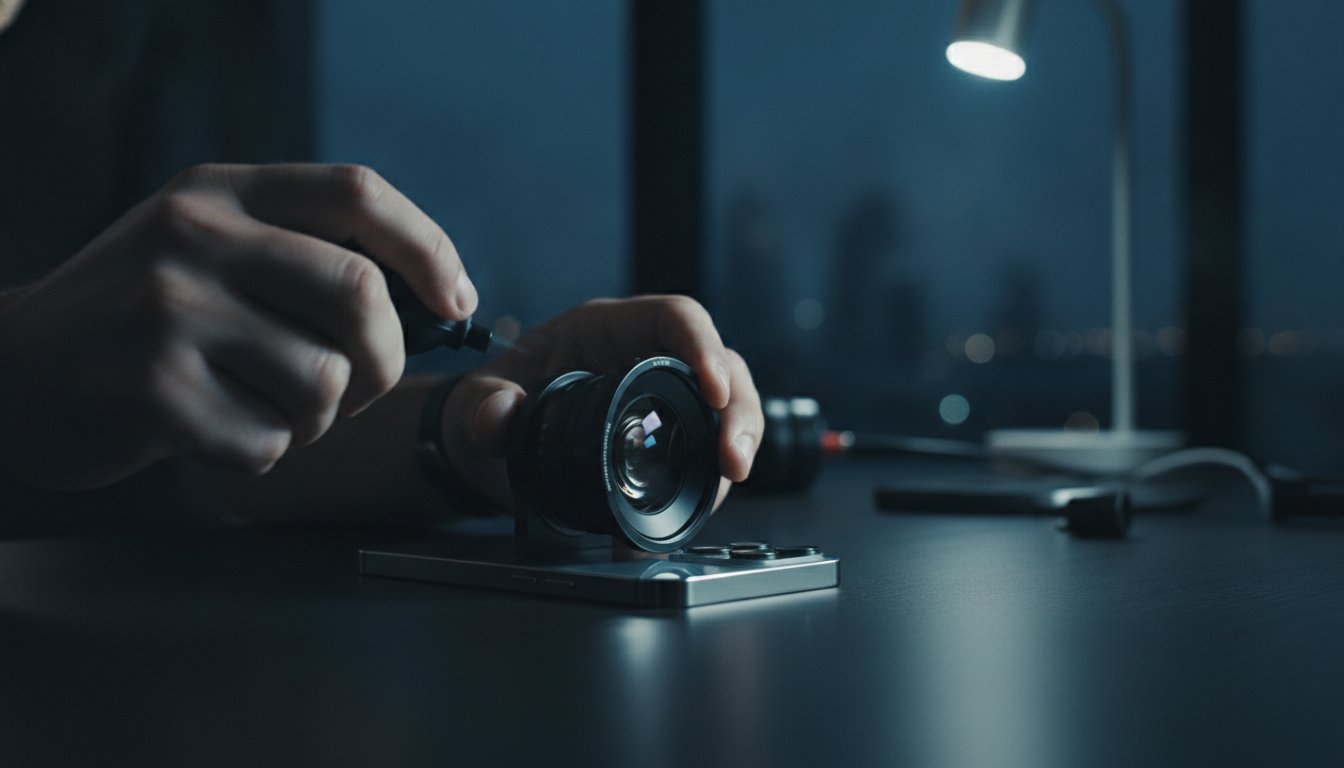
External optics require extra attention due to their unique shapes. The deep curvature of a 10X Macro Lens can trap dust in the corners. Use the fine bristles of your brush to reach these crevices. Don’t forget the rear element of your smartphone anamorphic lens. This small piece of glass is closest to your phone’s sensor and has a massive impact on image quality. If you use magnetic mounts or adapters, wipe them down regularly. This prevents skin oils from transferring from the mount back onto your clean glass during a lens swap.
Common Mistakes to Avoid
Avoid the temptation to fog your lens with your breath. While it seems convenient, your breath contains harmful enzymes and acids that can degrade optical coatings over time. Speed shouldn’t come at the cost of safety. Don’t apply excessive pressure while wiping. If the smudge won’t come off, use more cleaning solution, not more force. Finally, stop using “reusable” wipes that have been sitting in your pocket. They collect lint and abrasive debris that will ruin your glass. Always use a clean, protected microfiber from your smartphone lens cleaning kit.
Elevate Your Content with Professional Maintenance
Professional maintenance is a massive competitive advantage. Every smudge you remove adds immediate contrast and depth to your final video. Clear glass ensures your phone’s sensor captures the full dynamic range of your scene. This translates directly to faster editing. You won’t spend hours in post-production trying to “de-haze” oily footage or mask distracting light flares. High engagement begins with high clarity. Viewers stop scrolling for crisp, professional visuals; a smartphone lens cleaning kit is the smallest investment you can make for the biggest visual payoff.
Adopt a 30-second pre-shoot ritual today. Make it a habit to check your glass before you ever hit the record button. This simple discipline prevents the heartbreak of discovering a ruined masterpiece after the sun has gone down. Your gear is an extension of your creative voice. Treat it with the respect it deserves. When you maintain your optics, you ensure that every shot is a true reflection of your artistic vision. Professional results are within your reach when you prioritize the health of your glass.
Building Your Ultimate Mobile Creator Kit
A dedicated cleaning kit is the silent partner to the best smartphone lenses for influencers. You can’t capture elite, viral content on dirty glass. Maintenance is what keeps your wide-angle and macro shots looking sharp for years, preserving the value of your investment. It is the foundation of a professional workflow. Whether you are shooting a vlog or a cinematic short, starting with a clean surface is the first step in any professional smartphone camera upgrade.
Smart Investing and Bundle Deals
Efficiency matters when you are building your gear bag. When you buy smartphone lenses online, look for curated bundles that include pro-grade maintenance tools. LensLab is your creative partner in this journey. We provide the technical reliability you need to push your boundaries. Our Lens Cleaning Spray is the essential companion for high-end glass like the PRO 1.55X BLUE ANAMORPHIC LENS. Your gear works as hard as you do; keep it in top shape to ensure it never lets you down in the field. Start your journey with the right maintenance kit today and let your creativity shine through perfectly clear glass.
Master Your Vision with Pristine Optics
Your creative potential is only as clear as your glass. We’ve explored how a dedicated smartphone lens cleaning kit preserves your gear and eliminates distracting haze from your footage. By mastering the balance between dry and wet cleaning, you protect the specialized coatings that make your mobile cinematography stand out. Professional maintenance isn’t just about cleanliness; it’s about ensuring every pixel you capture is sharp, vibrant, and ready for the world to see.
Don’t let a simple smudge compromise your artistic investment. It’s time to take control of your image quality. Upgrade your gear with a professional smartphone lens cleaning kit at LensLab. Our pro-grade residue-free Lens Cleaning Spray is designed specifically for mobile optics and is trusted by creators in 20+ countries. You have the vision and the talent. Now, you have the tools to keep that vision perfectly clear. Get out there and capture your next masterpiece with total confidence.
Frequently Asked Questions
Can I use alcohol wipes to clean my smartphone camera lens?
Generally no. High concentrations of alcohol can strip the oleophobic coating on your lens and screen. Use a specialized, alcohol-free solution from your smartphone lens cleaning kit instead. This ensures you lift oils without damaging the chemical layers that repel fingerprints. Professional optics require a gentle touch to maintain their long-term clarity and performance. Your gear works hard; don’t compromise its lifespan with harsh household chemicals.
How often should I clean my smartphone lens cleaning kit cloths?
Clean your microfiber cloths every few weeks or after heavy field use. Dust and skin oils accumulate in the fibers over time. If you continue using a dirty cloth, you are simply moving grime around the lens. Wash them in warm water with a mild detergent. Avoid fabric softeners at all costs. Softeners clog the microscopic fibers and ruin the cloth’s ability to lift contaminants effectively. Air dry them to keep the weave perfect.
Will a lens cleaning kit remove scratches from my glass?
No, cleaning kits are designed for maintenance, not repair. A cleaning kit removes surface contaminants like oil, dust, and salt spray. It cannot fill in or buff out physical gouges or micro-abrasions in the glass. This is why preventative care is so vital. Using a professional smartphone lens cleaning kit regularly prevents the grit buildup that leads to those permanent, image-ruining scratches in the first place. Protect your glass before the damage happens.
Is it safe to use a lens pen on my phone’s built-in camera?
Yes, it is perfectly safe and highly recommended. The carbon tip on a lens pen is specifically engineered to neutralize facial oils that smudge your built-in lenses. Start by using the brush side to clear any loose particles from the lens housing. Then, use the carbon pad in a gentle circular motion. It provides a dry, residue-free finish that is ideal for quick transitions between shots. It is a must-have for every creator’s pocket.
What is the best way to remove sand from my lens after a beach shoot?
Use an air blower first to dislodge loose grains. Sand is highly abrasive and will scratch your glass if you wipe it. After blowing away the bulk of the debris, use a soft-bristled brush to sweep out the edges. Only after you are 100% sure the grit is gone should you use a wet microfiber cloth. This multi-step approach is the only way to protect your optics in harsh environments. Never rush the grit removal process.
Can I use a lens cleaning spray on my smartphone screen as well?
Yes, professional lens cleaning sprays are usually safe for the entire device. Since these formulas are alcohol-free and ammonia-free, they won’t damage the sensitive coatings on your display. Spray the solution onto a clean microfiber cloth first, then wipe the screen. This removes the bacteria and oils that accumulate from daily use. It keeps your interface responsive and your preview image perfectly clear during shoots. Clean screens lead to better focus and composition.
Why does my camera look blurry even after I wipe it with a cloth?
You likely have oil trapped in the corners or moisture inside the lens housing. If the blur persists, check for fogging behind the glass. This usually indicates a seal issue or internal condensation. Alternatively, you might be using a dirty cloth that is simply spreading a thin layer of grease. Try a fresh section of your microfiber or a carbon pen to ensure all residue is completely absorbed rather than just redistributed across the surface.