Anamorphic Lenses for Smartphones: Achieve That Cinematic Look
Anamorphic Lenses for Smartphones: Achieve That Cinematic Look
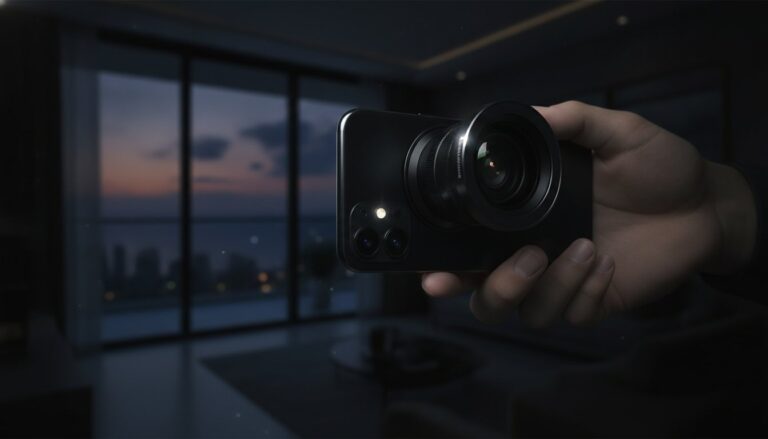
Hollywood cinematography has a distinctive visual signature that immediately signals high production value. Anamorphic smartphone lenses bring this professional aesthetic to mobile filmmaking, creating images that stand out in our oversaturated visual landscape.
The Anamorphic Difference
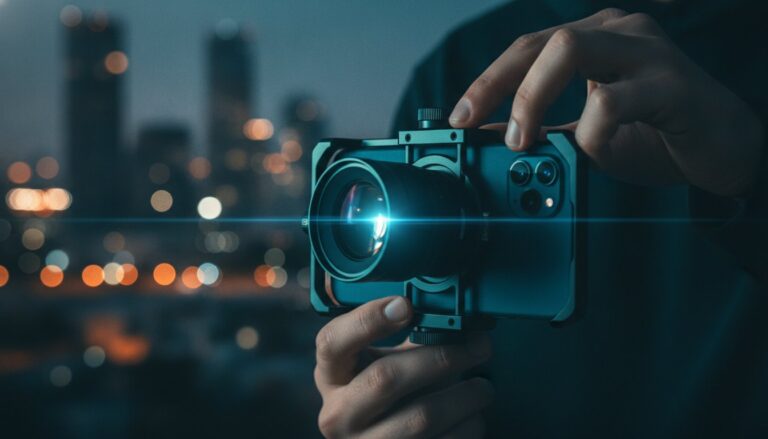
Traditional lenses project circular images onto rectangular sensors, cropping away information. Anamorphic lenses squeeze a wider image onto the sensor, which is then de-squeezed in post-production. This creates ultra-wide aspect ratios, distinctive horizontal lens flares, and oval bokeh that viewers subconsciously associate with premium content.
Characteristic Anamorphic Features
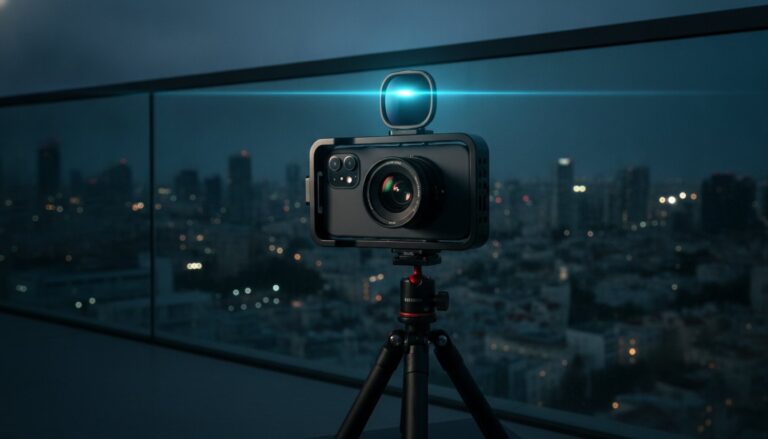
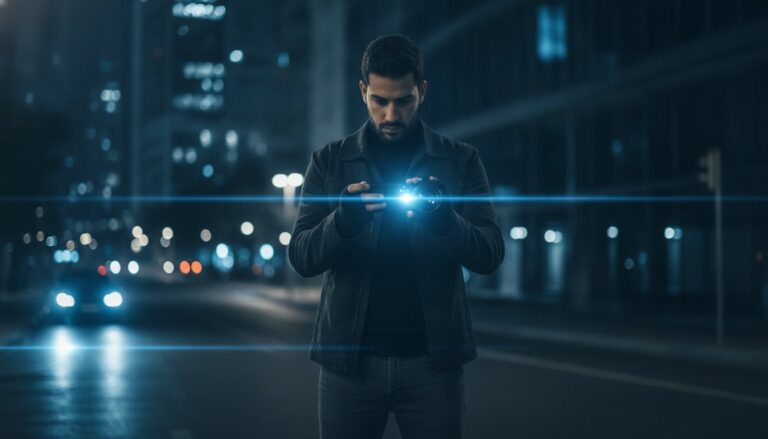
Those iconic horizontal blue lens flares didn’t happen by accident. Anamorphic optics create these distinctive artifacts when light sources enter the frame. The oval bokeh (background blur) provides a subtly different aesthetic than circular bokeh from standard lenses. Vertical lines at frame edges exhibit slight stretching, adding to the cinematic feel.
Aspect Ratios and Composition
Anamorphic lenses encourage 2.39:1 aspect ratio composition, the ultra-wide format favored by blockbuster films. This format emphasizes horizontal movement and creates a sense of epic scale. Compose with the wider frame in mind, using the extra horizontal space to include more environment or create more dramatic negative space.
Practical Filming Techniques
Anamorphic lenses change how you approach camera movement. Horizontal pans and tracking shots emphasize the wide format’s strengths. Position light sources strategically to create those signature flares. Use the characteristic bokeh to separate subjects from backgrounds. Keep important action within the safe area, avoiding extreme frame edges where distortion increases.
De-Squeezing Your Footage
Most mobile anamorphic lenses create a 1.33x squeeze factor. Your footage will appear vertically stretched straight out of camera. Use video editing software to apply the corresponding de-squeeze, restoring correct proportions while maintaining the wide aspect ratio. Many editing apps now include anamorphic presets for quick workflow.
Choosing Your Anamorphic Lens
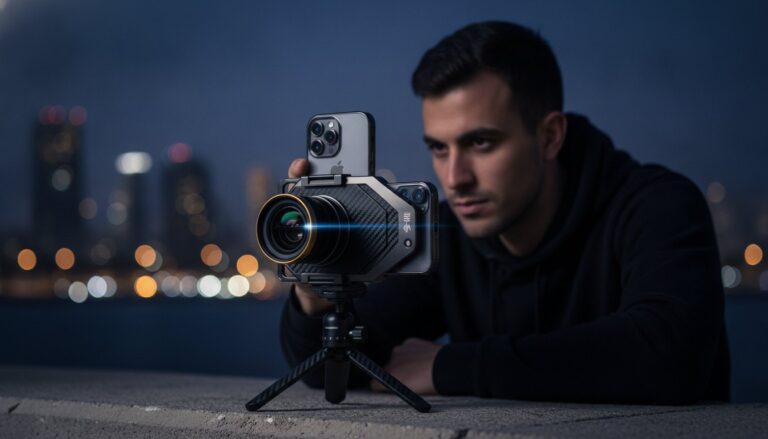
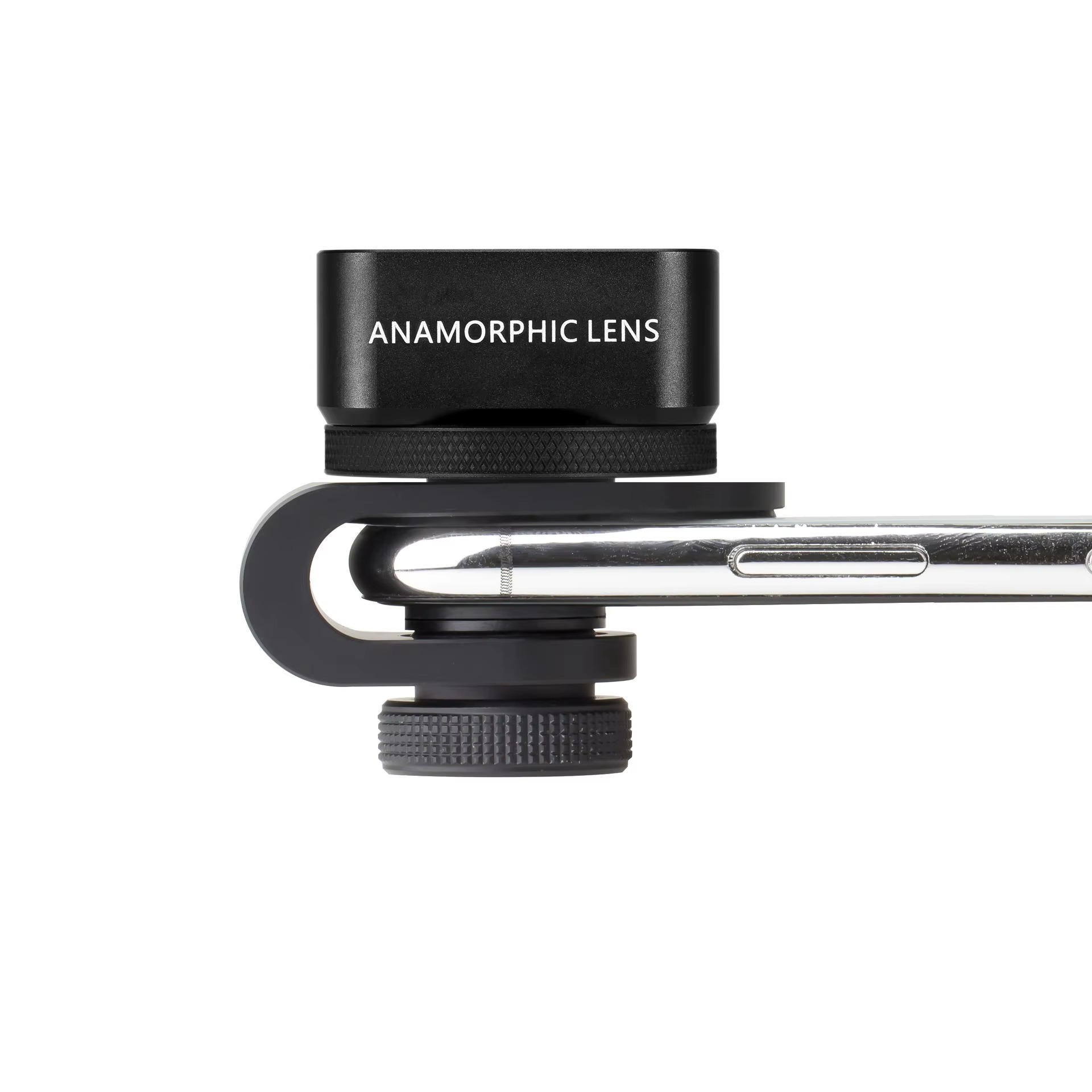
Quality varies dramatically in smartphone anamorphic lenses. Look for genuine glass elements and quality coatings. Check sample footage from the specific lens model to evaluate flare characteristics and sharpness. Consider whether you want a universal clip-on or phone-specific mounting system based on your filming style and equipment.
Anamorphic smartphone lenses democratize a look previously reserved for big-budget productions. Master these tools and techniques to give your mobile films a professional polish that commands audience attention and elevates your storytelling.