IPhone Macro Photography Accessories: The Creator’s Guide to Stunning Close-Ups
Your iPhone’s native macro mode is a software miracle, but it’s hitting a physical ceiling that only premium glass can break. Even with the ability to focus at 2cm on newer Pro models, you’ve likely felt the frustration of blurry edges or grainy artifacts from digital zoom. It’s annoying when your creative vision is sharp but your hardware struggles to lock focus on tiny subjects. If you want to move beyond basic snapshots, you need the right iPhone macro photography accessories to bridge the gap between hobbyist and professional.
We believe that high-level results should feel attainable for every creator. You deserve a setup that’s as fast and efficient as your inspiration. In this guide, you’ll discover the essential external lenses, magnetic mounts, and lighting tools needed to transform your phone into a professional-grade macro powerhouse. We’re diving into the world of 10X optical magnification, seamless mounting systems, and the lighting secrets that make every detail pop. Get ready to capture stunning nature and product shots with the crisp detail and natural bokeh they deserve.
Key Takeaways
- Stop relying on digital zoom. Learn why external optics preserve resolution and prevent the grainy look of software-cropped macro modes.
- Discover why the 10X magnification ratio is the professional “sweet spot” for capturing intricate details without optical distortion.
- Master your lighting and stability. See how magnetic mounting systems and external lights create the professional “pop” your shots are missing.
- Optimize your iPhone settings for macro excellence. We’ll show you how to lock focus and exposure for consistent, high-quality results.
- Upgrade your creative toolkit with essential iPhone macro photography accessories like high-clarity 10X lenses and rapid-swap mounts.
Beyond the Built-in: Why Pro Creators Use External Macro Gear
Your iPhone is a mobile creative studio, but even the latest Pro models have physical constraints. The built-in macro mode is a technical achievement, yet it often relies on software tricks that can compromise your final image. Pro creators understand that high-end results require more than just clever code. They turn to iPhone macro photography accessories to bypass sensor limitations and capture the world in its true, microscopic glory. By adding dedicated optics, you shift from digital manipulation to pure optical excellence.
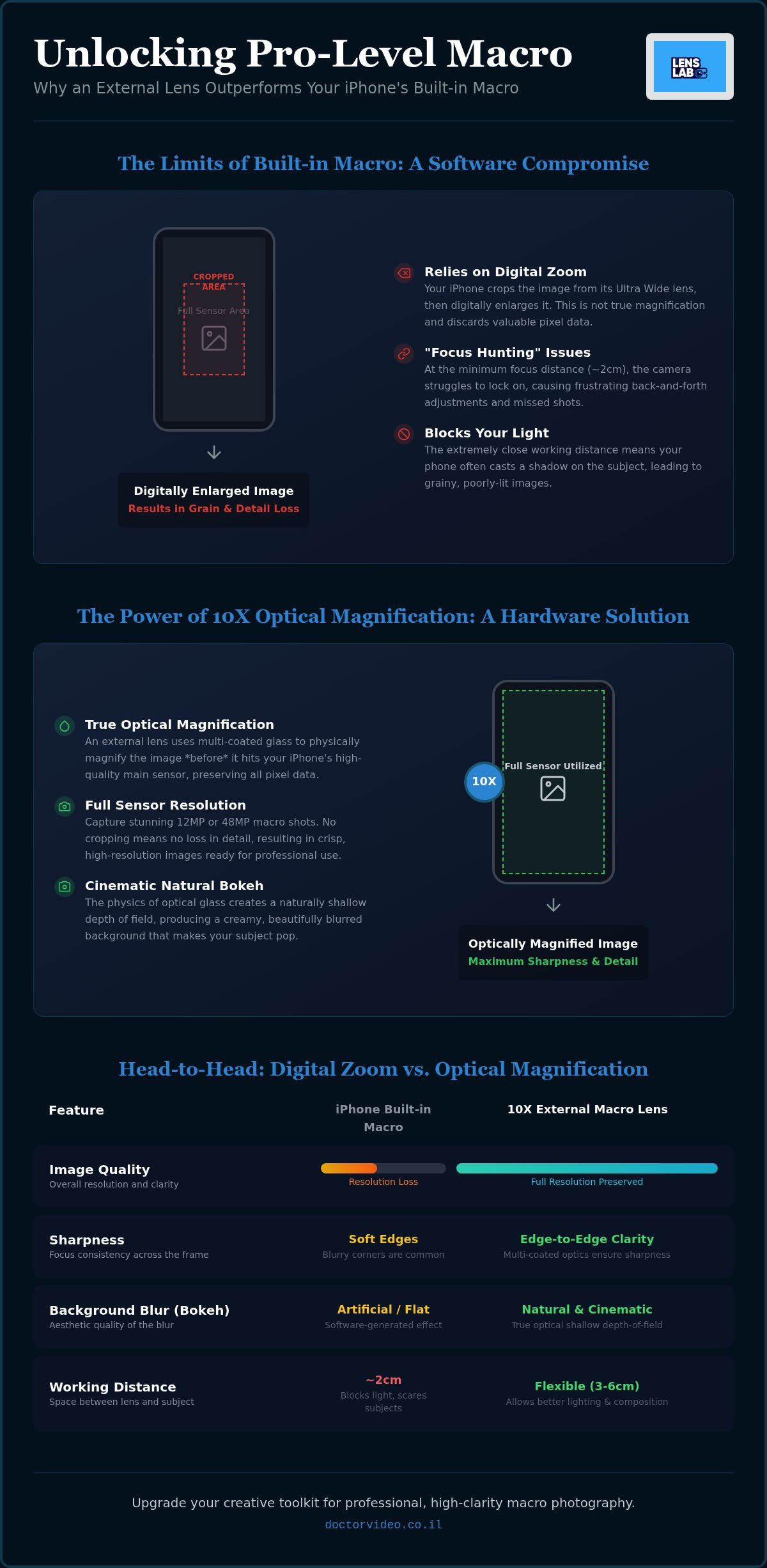
The primary issue with internal macro modes is the “crop factor.” When you engage the flower icon, your iPhone usually switches to the Ultra Wide lens and crops the image to match the framing of the main camera. This process discards valuable data. If you’re shooting on a 48MP sensor, you aren’t getting a 48MP macro shot; you’re getting a digitally enlarged fragment of a smaller sensor. External glass allows you to use your primary, high-resolution sensor for close-ups. This preserves every pixel and eliminates the digital noise that often ruins fine textures. A deeper understanding macro photography reveals that the best shots come from maximizing your hardware’s potential, not stretching it.
The Limits of iPhone Macro Control
Internal macro modes struggle when the environment isn’t perfect. In low light, the tiny sensor behind the Ultra Wide lens produces grainy, muddy shadows. You’ve likely seen the “focus hunting” problem too. When you move closer than 2cm, the lens often jumps back and forth, unable to lock onto your subject. This happens because the internal lens is at its physical limit. Using iPhone macro photography accessories gives you a more comfortable working distance. You can back up slightly, allow more light onto your subject, and still achieve higher magnification than the native software allows.
The Advantage of Dedicated Optical Glass
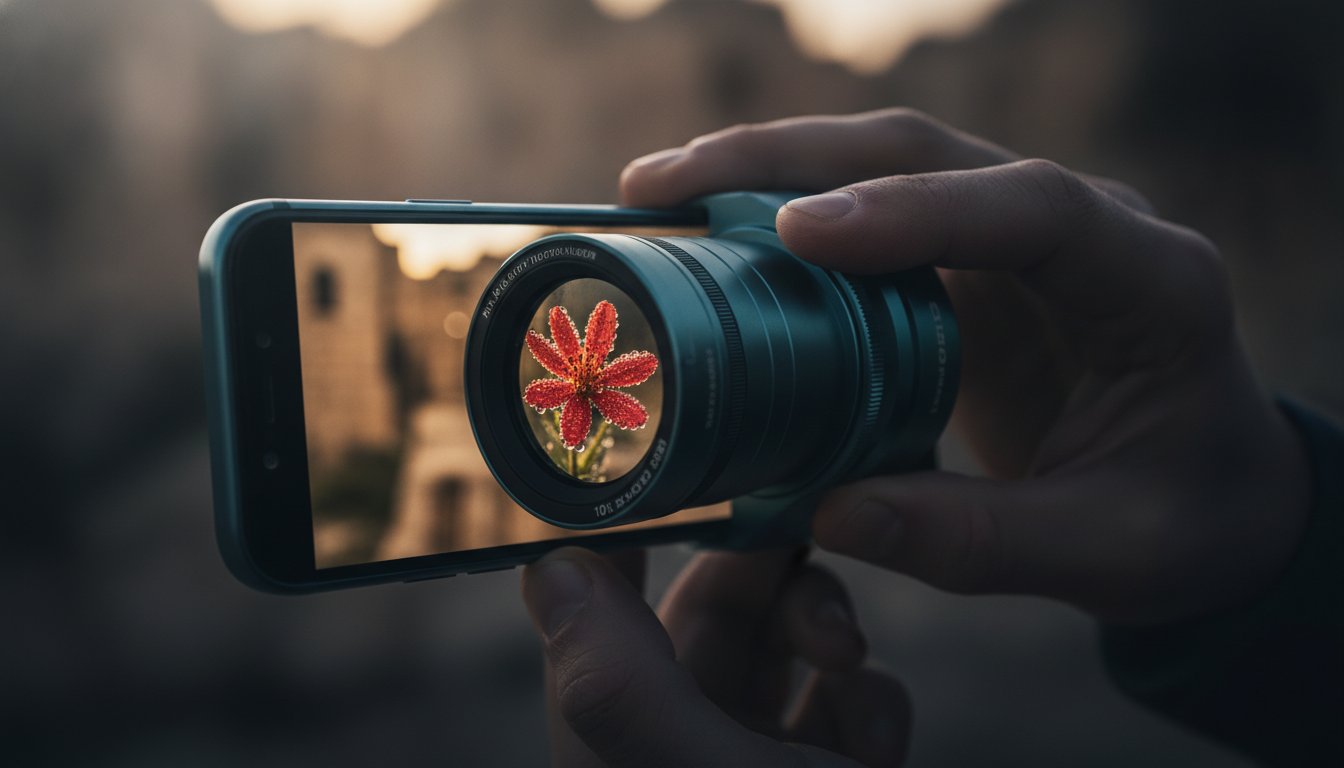
Professional external lenses use multi-coated glass to manage light more effectively than a standard phone lens. This coating reduces lens flare and ghosting, ensuring your colors stay vibrant and your contrast remains sharp. While internal macro shots often suffer from soft, blurry corners, dedicated macro glass provides edge-to-edge sharpness. Optical magnification is the physical enlargement of light before it hits the sensor. This physical boost creates a shallower depth of field. The result is that “creamy” professional bokeh that makes your subject stand out against a beautifully blurred background. It’s the difference between a flat mobile snapshot and a cinematic masterpiece. If you frequently shoot outdoors, learning how to use a smartphone lens for nature photography will help you apply these optical advantages to botanical and wildlife subjects in the field.
- Resolution: Keep your full 48MP or 12MP detail without software cropping.
- Clarity: Multi-coated optics prevent the haze and flare common in tiny lenses.
- Stability: Better working distances mean you won’t block your own light source.
Mastering Optics: 10X Macro Lenses vs. Digital Zoom
Digital zoom is a compromise, not a tool. When you pinch-to-zoom on your screen, you aren’t actually getting closer to your subject. You are simply telling your iPhone to crop the image and stretch the remaining pixels. This results in the “grainy” look that ruins professional portfolios. To achieve true magnification, you need physical glass. High-quality iPhone macro photography accessories provide a genuine optical boost. This allows you to fill the frame with intricate details while maintaining the full resolution of your sensor.
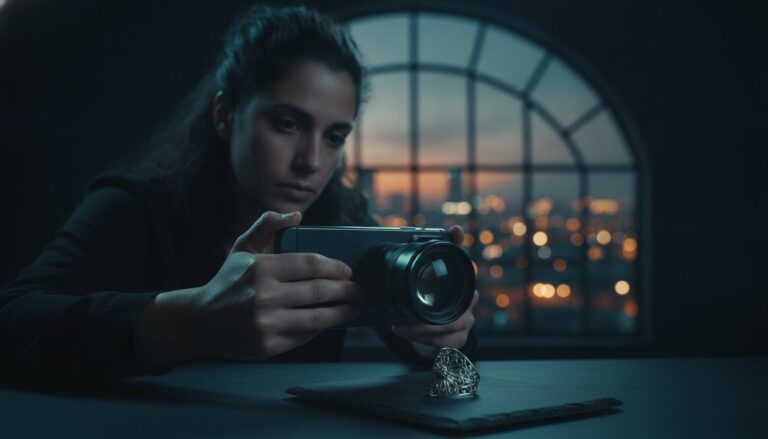
The 10X magnification ratio is widely considered the “sweet spot” for mobile creators. While some budget kits promise 20X or even 45X zoom, these often suffer from extreme spherical distortion. At 10X, you get a significant jump in detail without turning your image into a warped “fish-eye” mess. High-quality glass keeps straight lines straight. This is essential when shooting structured subjects like jewelry, watch components, or architectural textures. Elevate your visuals with a pro-grade 10X Macro Lens for Smartphones to see the difference for yourself.
Why the 10X Macro Lens is the Industry Standard
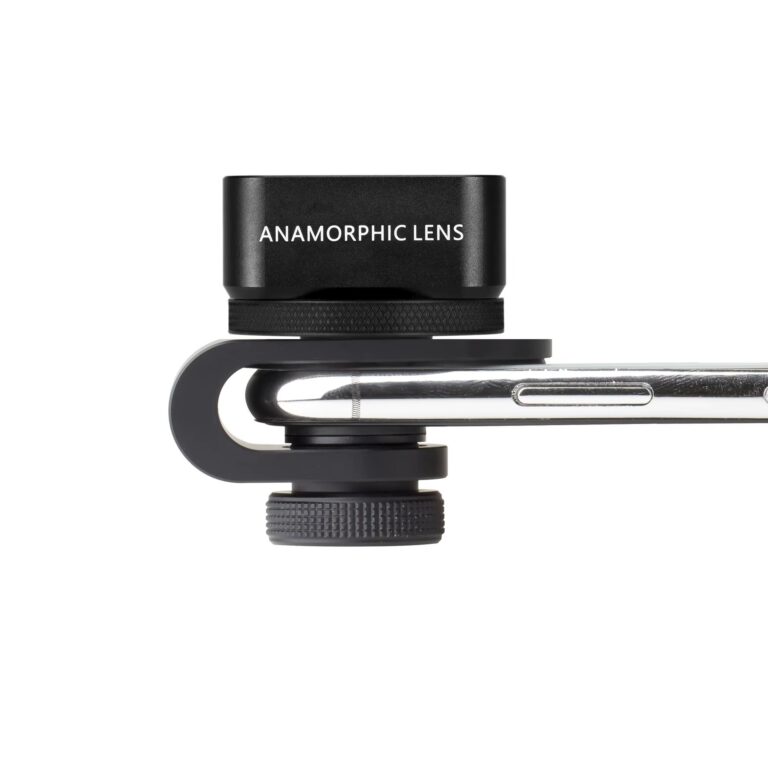
Precision is everything in macro work. A 10X lens allows you to capture the fine hairs on a botanical stem or the complex facets of a gemstone with absolute clarity. It also provides a more manageable focal distance. If you use a high-powered microscope lens, you often have to touch the subject to focus. This blocks your light and scares away live subjects like insects. A 10X lens lets you stay a few centimeters back. You get the shot, keep your light, and maintain professional composition. Modern iPhone macro photography accessories now feature magnetic mounting systems to handle the larger camera bumps on the iPhone 16 and 17 Pro models effortlessly.
Optical Quality: Glass vs. Plastic
The material of your lens dictates the soul of your image. Professional-grade lenses use multi-element, high-transparency glass. This ensures color accuracy and high contrast. Cheap plastic alternatives often cause “purple fringing,” a type of chromatic aberration where colors bleed at the edges of high-contrast objects. Your iPhone’s advanced image processor is designed to work with clean data. If you put cheap plastic in front of it, the software struggles to compensate. Stick to multi-coated glass to ensure your 48MP sensor actually delivers 48MP of sharp, usable detail.
- Distortion Control: 10X glass maintains realistic proportions across the entire frame.
- Light Management: Greater focal distance prevents your phone from casting shadows on the subject.
- Build Integrity: Glass optics resist scratches and provide better thermal stability than plastic.
Essential Light and Stability Gear for Close-Up Success
Great glass is only half the battle. To achieve professional results, you must master light and stability. These are the unsung heroes of iPhone macro photography accessories. Without them, even the sharpest lens will struggle with motion blur or flat, uninspired shadows. You need a setup that allows for micro-adjustments and rapid changes in the field. Professionalism in macro work is about controlling every variable before you hit the shutter button.
Stability at the macro level is different from standard photography. A typical tripod often lacks the flexibility needed for extreme close-up angles. You need gear that can get low to the ground or maneuver around complex subjects. Even a slight breeze can ruin a shot when you’re magnified at 10X. Look for compact, flexible arms or dedicated macro rails. These tools provide the precision your creative vision demands. They ensure your focus remains tack-sharp exactly where you want it.
The Magnetic Advantage: JJC Filter Mounts
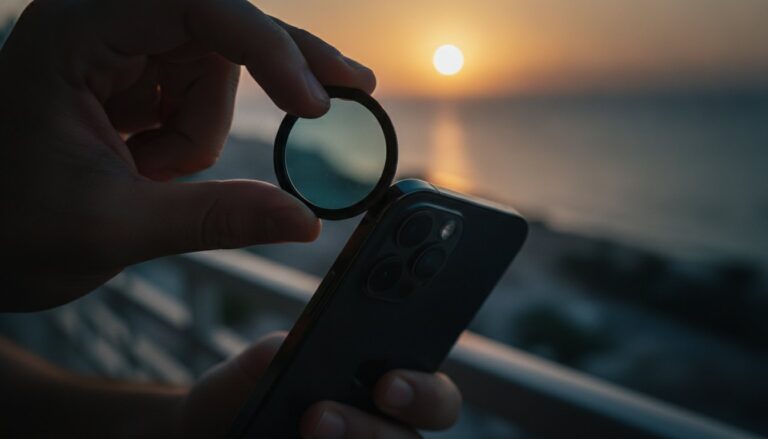
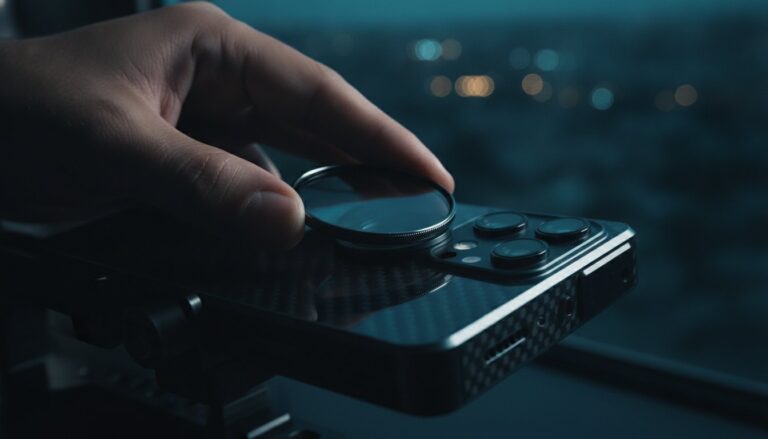
Speed is your best friend when shooting live subjects. Insects don’t wait for you to screw on a lens. Using a JJC Magnetic Lens Filter Mount Adapter for iPhone gives you the ability to swap optics in seconds. This system removes the friction of bulky clips and prevents wear on your phone’s native lenses. It’s a seamless integration. It lets you stack filters for complex creative effects without losing your frame or missing the moment. This efficiency is what separates a frustrated hobbyist from a productive creator.
Lighting Your Subject Without Shadows
Lighting is the number one differentiator between amateur and professional shots. Avoid front-lighting your subject. It creates flat images and often casts a shadow from your phone. Use side-lighting to reveal textures and create depth. Small, portable LED panels are perfect for this. If you’re shooting outdoors in Israel’s bright sun, use a diffuser to soften harsh highlights. This ensures your colors stay natural. It keeps your details visible even in the darkest shadows.
Specialized filters add that final layer of polish to your work. Use a Star Filter for Smartphones to add a brilliant flare to jewelry or dew drops. If you’re shooting in bright light, an ND filter helps you maintain a shallow depth of field without overexposing the sensor. These tools give you total control over how light interacts with your subject. They transform a simple photo into a high-end production.
- Stability: Use flexible mounts to reach difficult angles without camera shake.
- Mounting: Magnetic systems offer the fastest workflow for dynamic shooting.
- Light Control: Side-lighting reveals the “micro-topography” of your subjects.
- Creative Filters: Star filters and ND sets provide artistic control over highlights.
Pro Setup: Preparing Your iPhone for Macro Excellence
Having the best gear is just the start. If your glass is dirty or your settings are wrong, even a 10X lens won’t save the shot. Professional macro photography is a game of millimeters. One fingerprint on your lens can turn a sharp 48MP image into a hazy, low-contrast mess. To get the most from your iPhone macro photography accessories, you need a disciplined pre-shoot routine. This ensures your hardware and software are working in perfect harmony. Precision in preparation leads to excellence in the final frame.
Subject preparation is equally vital. If you’re shooting a flower outdoors, even a light breeze can cause motion blur. Use a small clip to steady the stem against the wind. For moving subjects like insects, use the “Burst Mode” secret. Hold the shutter button and slide it to the left. Your iPhone will capture a rapid sequence of shots. This significantly increases your chances of getting one perfectly sharp frame amidst the movement. Mastering these small techniques transforms your mobile device into a high-performance production tool. For a broader look at applying these skills in outdoor environments, explore our complete guide on using a smartphone lens for nature photography to capture everything from delicate wildflowers to sweeping landscapes.
Lens Maintenance Workflow
Start with a clean slate. Your fingers naturally carry oils that smudge high-end optics. Never use your shirt or household glass cleaners. These contain harsh chemicals that can strip the delicate multi-coating off your professional glass. Use a dedicated Lens Cleaning Spray and a fresh microfiber cloth. Spray the cloth first, then wipe in a gentle circular motion from the center outward. Store your lenses in a dust-proof case between shoots. This simple habit prevents microscopic scratches that degrade image quality over time.
Camera App Optimization
Your iPhone’s brain is almost too smart for its own good. In macro mode, the software often tries to switch lenses automatically as you move. This ruins your framing and focus. Stop this by using the AE/AF lock. Long-press on your subject on the screen until the yellow box pulses. Now, your focus and exposure are locked. This allows you to move the phone slightly to find the perfect focal plane without the lens jumping. Shoot in ProRAW whenever possible. This format captures more data in the highlights and shadows, giving you the flexibility to edit your shots without introducing digital artifacts.
- Maintenance: Always use professional-grade cleaning tools to protect lens coatings.
- Focus Control: Use AE/AF lock to prevent the phone from switching lenses mid-shot.
- Data Quality: Enable ProRAW to maximize the detail retention of your sensor.
- Stability: Steady your subject physically to eliminate motion blur at high magnification.
Elevate Your Content with LensLab Pro Macro Kits
You’ve mastered the theory. Now it’s time to equip yourself with the tools that make professional results inevitable. LensLab provides the high-performance iPhone macro photography accessories you need to turn your creative vision into digital reality. Our gear isn’t just an add-on. It’s a total transformation of your mobile production capabilities. We focus on quality optics and rapid workflows so you can focus on the art of the shot. Precision is no longer a luxury; it’s your new standard.
The core of your new setup is the LensLab 10X Macro Lens. This isn’t generic glass. It’s a precision-engineered optical upgrade that delivers superior clarity and natural bokeh. When you pair it with our JJC Magnetic Mounts, you eliminate the frustration of bulky, unreliable clips. You get a seamless, rapid-swap system that respects your time and your hardware. This synergy allows you to move from wide-angle establishing shots to microscopic details in a single click. Your iPhone is ready to compete with traditional DSLR setups.
The Ultimate Macro Bundle
Efficiency is the hallmark of a serious creator. By combining our 10X lens with professional mounting and maintenance tools, you create a complete ecosystem. We don’t just sell lenses; we provide a path to excellence. This includes professional cleaning kits to ensure your investment stays in peak condition for years. We understand the local market needs, offering 24/7 support and fast national delivery across Israel. Your smartphone is no longer just a communication device. It is now a professional-grade production tool capable of world-class output.
Join the LensLab Creator Community
The world is full of microscopic wonders waiting for your lens. From the intricate textures of a desert flower to the complex mechanics of a luxury watch, your new setup reveals what others miss. We encourage you to share your results on social media and start building a world-class portfolio today. You have the vision. Now you have the iPhone macro photography accessories to match it. Don’t let another tiny detail go unnoticed. The world is waiting for your perspective.
Ready to transform your mobile photography? Shop the Professional Macro Collection at LensLab and start your journey toward stunning close-ups today. Our team is standing by to help you choose the perfect kit for your specific iPhone model and creative goals.
- LensLab 10X Macro: Superior optical clarity for high-resolution sensors.
- JJC Magnetic Mounts: The fastest way to swap lenses and filters in the field.
- Maintenance Kits: Protect your multi-coated glass from oils and dust.
- Israel-Wide Support: Fast shipping and expert advice whenever you need it.
Master the Art of the Microscopic
Your journey into professional close-up photography starts with a shift in perspective. You’ve seen how dedicated optics preserve every pixel of your sensor while digital zoom falls short. Mastering iPhone macro photography accessories isn’t just about magnification. It’s about controlling light, ensuring stability, and maintaining your gear for peak performance. By combining high-end glass with a streamlined workflow, you unlock a world of detail that standard mobile lenses simply can’t reach.
The right tools make the creative process feel effortless. With professional 10X optical glass and the JJC Magnetic Mounting System, you can focus on the art instead of the hardware. We provide fast national shipping across Israel and 24/7 support to ensure you’re never stuck in the field. It’s time to stop settling for blurry snapshots and start producing gallery-quality content. Your smartphone is ready to become a professional-grade powerhouse.
Upgrade Your Mobile Photography with Pro Macro Gear
Go out and capture the details that others walk right past. The world is full of tiny masterpieces just waiting for your lens.
Frequently Asked Questions
Does an external macro lens work with the iPhone 16 Pro Max?
Yes, external macro lenses are fully compatible with the iPhone 16 Pro Max. These accessories mount directly over the camera bump to enhance the 48MP sensor’s native capabilities. You’ll get higher magnification and better optical clarity than the internal software mode provides. It’s the best way to bypass the limitations of native cropping.
What is the difference between 10X and 20X macro lenses for phones?
The main difference lies in the magnification level and the resulting image quality. A 10X lens is the industry “sweet spot” because it balances high detail with minimal distortion. 20X lenses often suffer from soft edges and chromatic aberration. Choose 10X for professional botanical or jewelry shots where edge-to-edge sharpness is critical.
Do I need a special app to use a macro lens on my iPhone?
You don’t need a special app to use these iPhone macro photography accessories. Your native camera app works perfectly with external glass. However, pro creators often use third-party apps to access manual focus pulling. This gives you finer control over the razor-thin depth of field inherent in macro work.
Will a magnetic lens mount interfere with my iPhone’s MagSafe charging?
No, a magnetic lens mount won’t interfere with your MagSafe charging or accessories. These systems attach specifically to the camera bump area at the top of the device. The MagSafe magnets are located in the center of the phone’s back. You can keep your mounting plate on while using your favorite wireless chargers without any issues.
How close do I need to be to my subject with a 10X macro lens?
You typically need to be between 1 and 3 centimeters away from your subject with a 10X lens. This distance is ideal for mobile creators. It prevents you from casting a shadow on the subject with your phone. It also provides enough room to position external lights to reveal the “micro-topography” of your subject.
Can I use a macro lens for video as well as photography?
Yes, macro lenses are incredible tools for mobile cinematography. They allow you to capture cinematic, high-detail b-roll of textures and small movements. Use a tripod to ensure your footage stays stable. Even tiny vibrations are magnified at 10X, so stability is key for professional-looking video results.
Is the JJC Magnetic Lens Filter Mount compatible with all iPhone models?
The JJC Magnetic Lens Filter Mount is designed for broad compatibility across the modern iPhone lineup. It works seamlessly with the latest Pro models, including the 14, 15, and 16 series. These iPhone macro photography accessories use specific adapter sizes to match your phone’s camera bump. This ensures a secure, light-tight fit for every shoot.
How do I clean my macro lens without scratching the glass?
Use a dedicated Lens Cleaning Spray and a fresh microfiber cloth for the best results. Spray the cloth first to avoid moisture seeping into the lens housing. Wipe gently in a circular motion from the center outward. Never use household glass cleaners or your shirt, as they can strip away professional optical coatings.