Anamorphic Lens for Android: The Ultimate Cinematic FAQ (2026)
Your Android smartphone is no longer just a communication tool; it is a professional cinema camera waiting for the right glass. You want that iconic Hollywood aesthetic with ultra-widescreen frames and those stunning, organic horizontal flares. However, the technical side often feels like a barrier. You might feel confused by distorted, squeezed raw footage or worry that high-end optics won’t fit your specific device. Finding a high-quality anamorphic lens for android that works seamlessly with your hardware is the first step toward true creative freedom.
We understand the frustration of technical roadblocks when you just want to create. This guide will teach you how to master mobile cinematography and achieve pro-level widescreen video right from your pocket. You will learn exactly how to hit that massive 2.76:1 aspect ratio using the latest tools like Blackmagic Camera version 3.4. We walk you through the entire software workflow to de-squeeze your shots and ensure your lens mount is perfectly compatible with your Android model. It’s time to turn your creative vision into a cinematic reality.
Key Takeaways
- Learn how an anamorphic lens for android captures the iconic 2.76:1 ultra-widescreen ratio used in Hollywood blockbusters.
- Understand the technical difference between 1.33x and 1.55x squeeze factors to choose the perfect cinematic look for your production.
- Discover how to mount professional optics to various Android models like Samsung or Pixel using secure, high-compatibility universal clip systems.
- Master the essential de-squeeze workflow using pro-level Android apps to instantly transform distorted footage into polished cinema.
- Elevate your production value with the LensLab PRO 1.55X Blue Anamorphic Lens for signature horizontal flares and premium optical clarity.
What is an Anamorphic Lens for Android and Why Do You Need One?
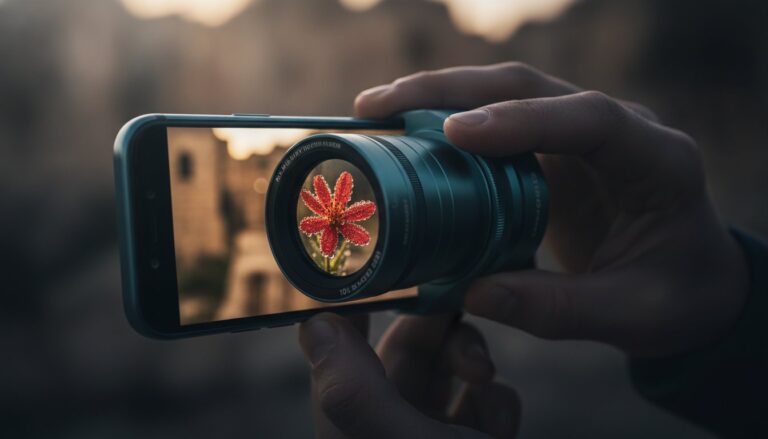
Anamorphic lenses aren’t just accessories. They are tools for total creative transformation. Most mobile videos look “digital” because they use standard spherical lenses. These lenses capture a 16:9 image that fits perfectly on a TV screen but lacks the soul of a cinema production. An anamorphic lens for android changes the game by physically squeezing a wider field of view onto your phone’s sensor. It allows you to capture more of the world without losing the vertical resolution that makes your footage sharp.
The mechanics of this process are fascinating. If you want to dive deep into the history and physics of this glass, you can read more about What is an Anamorphic Lens. Essentially, the lens acts as a funnel for light. It takes a panoramic scene and compresses it horizontally. When you “de-squeeze” this footage later, you are left with the massive 2.76:1 aspect ratio. This is the exact format used in legendary Hollywood epics. It creates a sense of scale and immersion that standard mobile lenses simply cannot reach. Modern Android hardware is now a cinematic powerhouse. Devices from Samsung, Google, and Xiaomi feature high-bitrate recording and advanced image processing. They have the raw power to handle the data-heavy files produced by professional optics.
The Cinematic Advantage: Beyond Standard Video
Standard 16:9 video is fine for a quick vlog. It isn’t enough for a masterpiece. The 2.76:1 ratio provides a storytelling edge by letting you show more of the environment. You can place your subject in a vast landscape while maintaining an intimate close-up. Beyond the width, you get the signature “Blue Flare” effect. When light hits the lens elements, it creates organic horizontal streaks. This isn’t a digital filter; it’s a physical reaction of the glass. It adds instant production value to your night shots and urban scenes. You also get oval bokeh. While standard lenses create round background blur, anamorphic glass stretches those highlights into elegant ovals. It creates a dreamy, high-end background that makes your subject pop.
Why Android Creators are Switching to Anamorphic
Creators are moving away from the flat mobile look. They want organic optical artifacts that feel human and artistic. Using an anamorphic lens for android lets you utilize the full resolution of your sensor. Most people just add black bars to their video in an editing app. This is a mistake. Cropping actually throws away pixels and reduces quality. Anamorphic lenses use every bit of your sensor’s height while expanding the width. It’s a more efficient way to shoot. You’ll stand out on social media immediately. Your content will look expensive and intentional. It signals to your audience that you are a serious filmmaker, not just a casual user. You don’t need a heavy rig to get these results anymore. You just need the right glass. To build a complete production setup around your lens, explore the full range of cinematic phone camera accessories that can transform your device into a professional production rig.
Understanding the 1.55x Anamorphic Squeeze on Android
The magic of an anamorphic lens for android lies in the math. When you look at your screen while shooting, everything looks tall and thin. Don’t panic. This distortion is a sign that the lens is working perfectly. The glass is physically compressing a panoramic field of view onto your phone’s rectangular sensor. A 1.55x squeeze factor means the lens captures 55% more horizontal information than a standard lens. Once you de-squeeze this in post-production, you aren’t just getting “wide” video. You are getting a true cinematic canvas.
Understanding How cinematographers use anamorphic lenses helps explain why this look is so coveted. It isn’t just about fitting more into the frame. It’s about the unique way the lens renders space. This compression creates a sense of depth and perspective that digital filters can’t replicate. While your raw footage looks like a funhouse mirror, the final result is a professional 2.76:1 masterpiece. Modern Android devices have the processing power to handle these high-resolution files without breaking a sweat. If you also shoot on Apple devices and want to compare approaches, the iPhone filmmaking kit guide for 2026 offers a detailed look at how anamorphic lenses and magnetic filter mounts work together to achieve the same cinematic results on iOS hardware.
1.33X vs. 1.55x: Which Squeeze is Right for You?
Choosing between squeeze factors depends on your creative goals. A 1.33x lens provides a 2.40:1 aspect ratio. This is the standard widescreen look seen in many modern films. It’s subtle and easy to manage. However, the 1.55x anamorphic lens for android is the gold standard for mobile creators. It pushes the boundaries to an ultra-wide 2.76:1 ratio. This is the “Ultra Panavision” look. It offers maximum drama and a more distinct “movie” feel. If you want your Android footage to look indistinguishable from a high-end film rig, 1.55x is the clear winner.
Optical Quality and Flare Characteristics
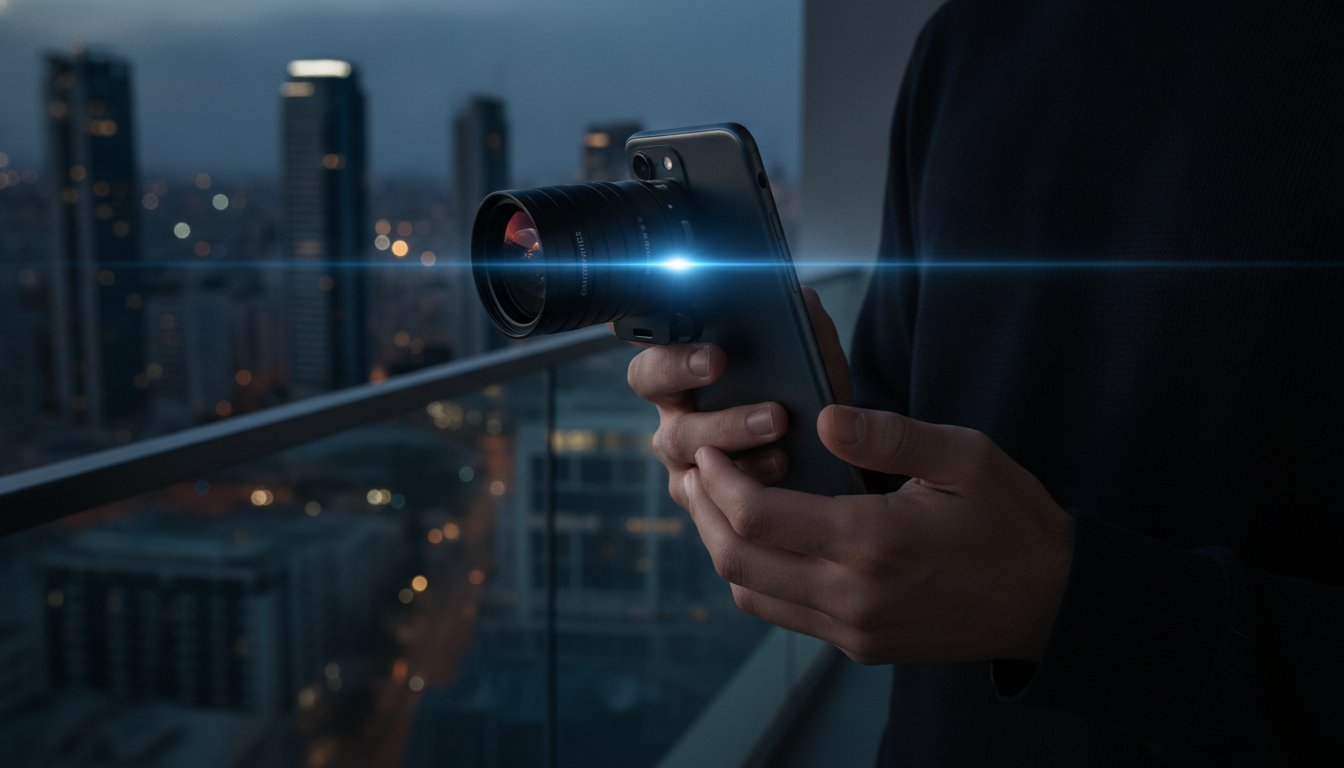
The squeeze isn’t the only benefit. High-quality glass like the PRO 1.55X BLUE ANAMORPHIC LENS uses specialized coatings to manage light. These coatings are what produce those iconic blue horizontal streaks. When a light source hits the lens, it stretches across the frame. This adds a layer of professional polish that signals high production value. You also get the legendary oval bokeh. In standard lenses, out-of-focus lights are circular. Anamorphic glass stretches these into vertical ovals. This is a hallmark of professional cinema.
To achieve these results, you need glass that maintains sharpness across 4K and 8K sensors. Cheap lenses will blur your edges. Professional optics keep every pixel crisp from center to corner. If you are ready to upgrade your mobile kit, check out the professional optics at Doctor Video to find the right fit for your phone. Maintaining this quality requires precision. Your Android sensor is capable of incredible detail. Don’t waste it on low-grade plastic lenses. Professional-grade glass ensures your 2.76:1 frames are sharp and breathtaking.
Android Compatibility: Mounting the Lens to Your Device
Mounting an anamorphic lens for android requires more than just a steady hand. You are dealing with a diverse ecosystem of hardware. Unlike the uniform design of other brands, Android phones feature a wild variety of camera bumps and sensor placements. From the massive circular islands on the Xiaomi Ultra series to the distinct horizontal bars on the Google Pixel, each phone presents a unique mounting challenge. Success depends on finding the perfect hardware match for your specific device.
Most professional-grade mobile glass follows the 17mm thread standard. This is the industry benchmark for high-quality optics. It provides a secure, screw-in connection that prevents the lens from shifting during a shoot. If you use a loose mount, you risk light leaks or blurry edges. A secure connection is the only way to maintain the optical integrity of your 2.76:1 frame. This stability is essential for capturing The Signature Look of Anamorphic without technical glitches. Android creators must prioritize a mount that stays centered even during heavy movement.
Universal Clips vs. Dedicated Cases
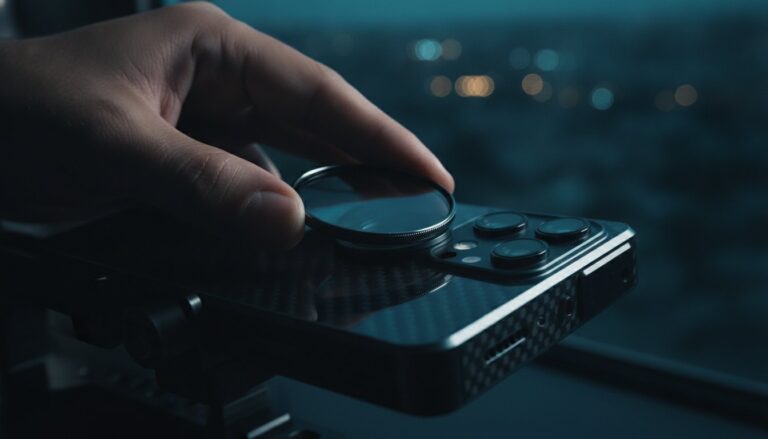
Universal clips are the most versatile option for the Android market. They allow you to move your anamorphic lens for android between different phones easily. This is a huge advantage if you upgrade your device frequently. However, alignment is critical. You must center the lens perfectly over your phone’s primary sensor to avoid vignetting. To find your main lens, open your camera app and cover the sensors one by one with your finger. The one that goes black is your primary glass. Dedicated cases offer the best stability and the fastest setup times. The downside is they are often limited to flagship models like the Samsung S-series. If you use a niche Android model, a high-quality universal clip is your best tool.
Stability and Rigging for Android Filmmaking
Anamorphic lenses are heavier than standard spherical attachments. This extra weight can throw off the balance of a mobile gimbal. If your gimbal motor starts vibrating, you need counterweights. These small weights attach to the side of the gimbal to offset the heavy glass. A balanced rig ensures smooth, cinematic pans that look professional. Don’t rely on digital stabilization alone. It can struggle with the unique perspective of anamorphic footage. A secure, physically balanced mount is the foundation of every clear shot. When your hardware is locked in, you can focus on the art of storytelling.
How to De-Squeeze Anamorphic Video on Android
Your native Android camera app is likely blind to anamorphic glass. If you open it with your lens attached, you will see a distorted, “squeezed” image. To fix this, you must bypass the standard software. Professional mobile filmmaking requires apps that can interpret the 1.55x squeeze in real-time. This process, known as de-squeezing, stretches the image back to its natural, ultra-wide state while you record. It allows you to compose your shots with perfect accuracy. Most native apps don’t offer this feature, so a third-party solution is essential for any anamorphic lens for android setup.
Follow these five steps to master the workflow. First, download a pro-level camera app from the Play Store. Second, mount your lens and open the app settings. Third, navigate to the hardware or lens menu and select the correct squeeze factor, usually 1.55x for the most cinematic results. Fourth, monitor your shot in the correct 2.76:1 aspect ratio while recording. This ensures your framing is spot on. Finally, export your footage using the app’s internal processing to maintain the widescreen format. This streamlined workflow turns your smartphone into a legitimate cinema camera.
Top Android Apps for Anamorphic Filmmaking
Blackmagic Camera is currently the gold standard for Android creators. As of July 2026, version 3.4 offers incredible manual control and seamless de-squeeze support. It has surpassed 2.4 million downloads, proving its reliability in the field. Filmic Pro remains a heavy hitter with its robust feature set and professional color grading tools. If you want deep technical control, Mcpro24fps is an excellent Android-optimized alternative. It allows you to tweak almost every sensor parameter. Each of these apps handles the 1.55x squeeze beautifully, giving you a clear view of your cinematic masterpiece as it happens.
Post-Production: De-Squeezing in Editing
Sometimes you might choose to shoot “squeezed” to preserve maximum data. In this case, you must de-squeeze during the editing phase. In Premiere Pro, you can right-click your footage and modify the Pixel Aspect Ratio to 1.55. This instantly expands the frame. Ensure your sequence settings are set to a 2.76:1 ratio to avoid black bars on the top and bottom. For the best results, you should also manage your shutter speed. Pair your anamorphic shots with GoPro HERO 12 ND filters to achieve that perfect, cinematic motion blur in bright light. Proper exposure and software de-squeezing are the two pillars of high-end mobile video.
Ready to start your journey? You can find the perfect anamorphic lens for your Android device at Doctor Video today. Don’t let software limitations hold back your creativity. With the right app and a solid post-production plan, your mobile videos will look like they belong on the big screen.
Start Your Cinematic Journey with LensLab
You’ve mastered the theory of widescreen storytelling. You understand the math behind the squeeze. Now, it’s time to put that knowledge into motion. Your Android phone is a sleeping giant. It has the sensor power and the bitrates to produce world-class cinema. All it needs is the right glass to unlock its potential. The PRO 1.55X BLUE ANAMORPHIC LENS is the ultimate anamorphic lens for android creators who refuse to settle for the “mobile” look. It’s time to stop dreaming and start shooting.
We built LensLab to be more than just a gear company. We are your creative partner. Every lens we produce is a result of precision engineering and a passion for visual arts. We don’t just sell optics; we provide the keys to a new visual language. Whether you’re filming in dynamic urban environments or serene natural settings, our gear ensures your vision is captured with professional clarity. You are a serious creator. You deserve tools that match your ambition.
The LensLab PRO 1.55X Advantage
The PRO 1.55X BLUE ANAMORPHIC LENS offers a distinct edge over standard 1.33x alternatives. It delivers the ultra-wide 2.76:1 aspect ratio that defines modern epic filmmaking. Our premium optical glass is treated with specialized multi-layer coatings. These coatings create vibrant blue flares that rival high-end cinema glass used on movie sets. You get edge-to-edge sharpness designed specifically for high-resolution Android sensors. No blurry corners. No plastic distortions. Just crisp, professional frames. The mounting system is simple and secure. It works across the entire Android ecosystem, giving you peace of mind during complex shoots.
Everything You Need to Succeed
Success in filmmaking requires more than just a lens. It requires a support system. LensLab provides a 24/7 help desk to assist you with technical questions or de-squeeze workflows. We are a supportive mentor for your journey. Our professional gear is trusted by creators in 20+ countries. We offer fast delivery to ensure you spend less time waiting and more time creating. You can also explore our bundles to build a complete mobile production studio. From cleaning kits to advanced filters, we provide everything you need to maintain your gear and elevate your output. Take the leap today. Transform your Android phone into a movie camera and join a global community of innovators who are redefining what is possible with mobile technology.
Unlock Your Cinematic Potential Today
You now have the technical blueprint to outpace traditional camera rigs using nothing but your smartphone. We’ve covered how a 2.76:1 aspect ratio creates instant scale and why pro-level apps are essential for your workflow. Mastering an anamorphic lens for android isn’t just about technical specs. It’s about claiming your seat as a serious filmmaker. You can finally capture those organic blue flares and oval bokeh that were once reserved for high-budget Hollywood sets.
The transition from casual mobile video to professional cinematography starts with the right optics. Our gear provides a pro-grade 1.55x squeeze and vibrant cinematic blue flares that transform every frame into a masterpiece. If you hit a technical roadblock, our 24/7 expert support is always ready to help you succeed. Don’t let your creative vision stay trapped in a standard 16:9 box. It’s time to elevate your production value and stand out from the crowd. Pairing your anamorphic lens with the right cinematic phone camera accessories ensures you have complete control over light, perspective, and motion blur for every shot.
Upgrade to the PRO 1.55X Anamorphic Lens today!
The tools are in your hands. The knowledge is in your head. Go out and capture the world in ultra-widescreen. We can’t wait to see the stories you’ll tell.
Frequently Asked Questions
Do I need a special app to use an anamorphic lens on Android?
Yes, you absolutely need a third-party app to de-squeeze your footage in real-time. Native Android camera apps don’t support the anamorphic format, so your video will look distorted without professional software. Apps like Blackmagic Camera version 3.4 or Filmic Pro allow you to select your specific squeeze factor. This ensures you can monitor your cinematic frame accurately while you record, avoiding any guesswork during the shoot.
Will an anamorphic lens work on any Android phone?
Most anamorphic lenses are compatible with a wide range of Android devices when using a universal clip or a 17mm thread mount. Whether you use a Samsung Galaxy, Google Pixel, or Xiaomi, the lens will work as long as it aligns with the primary camera sensor. Check for a secure mounting system to ensure the lens stays stable during your shoot. This flexibility allows you to keep your professional glass even if you upgrade your phone.
What is the difference between 1.33x and 1.55x anamorphic lenses?
The primary difference is the width of the final aspect ratio and the intensity of the cinematic effect. A 1.33x lens provides a standard 2.40:1 widescreen look, which is common in many modern films. The 1.55x anamorphic lens for android delivers an ultra-wide 2.76:1 ratio, offering more dramatic horizontal flares and a more immersive Hollywood aesthetic. Choosing 1.55x is the best way to achieve that “Ultra Panavision” style on a mobile device.
Can I use an anamorphic lens for photography on Android?
You can definitely use these lenses for photography to capture stunning, wide-angle stills with unique flares and oval bokeh. While some camera apps de-squeeze photos automatically, you can also shoot in RAW and stretch the image manually in editing software like Adobe Lightroom. This technique is perfect for creating cinematic street photography or epic landscapes that stand out on social media. It adds a professional, artistic layer to your mobile gallery.
How do I fix the ‘squeezed’ look of my video?
You fix the squeezed look by applying a de-squeeze process in your camera app or editing software. Set your hardware settings to 1.55x or 1.33x within your recording app to see the corrected image on your screen instantly. If you’ve already recorded the footage, simply adjust the Pixel Aspect Ratio in your video editor to expand the frame. This transforms the distorted raw file into a polished, ultra-widescreen masterpiece ready for export.
Do anamorphic lenses work with Android gimbals?
Yes, but you will likely need counterweights to balance the additional weight on your gimbal’s arm. Adding an anamorphic lens for android shifts the center of gravity, which can strain the motors of a standard mobile stabilizer. Once you balance the rig with small weights, your gimbal will provide the smooth, cinematic pans required for high-end filmmaking. This setup ensures your footage remains stable even when using heavy, professional-grade optics.
Why are my lens flares blue and horizontal?
These flares are a physical characteristic of the anamorphic lens design and specialized internal coatings. Unlike spherical lenses that produce round flares, anamorphic glass stretches light horizontally across the frame. This creates the iconic blue streaks that have become a hallmark of professional cinema and high-production value storytelling. It is an organic optical effect that adds a layer of sophistication to your night shots and urban scenes without using digital filters.
Is it hard to align the lens on a multi-camera Android phone?
Aligning the lens is simple once you identify your phone’s primary camera sensor. Open your camera app and cover the lenses one by one with your finger to see which one is active on your screen. Once you find the main sensor, center your lens mount directly over it to avoid vignetting and ensure maximum sharpness. This quick alignment check is the foundation of a clear, cinematic shot on any multi-camera Android device.